 4Carbon
A profile picture with a clear personality
Explore natural portraits, polished headshots and friendly illustrated characters. Start with a face or character reference, then choose the style that fits your profile.
Fixed quote22 creditsResolution: 1K · Background: Automatic · Image size: Square HD · Quality: High · Output format: PNG · Output images: 1 · Reference images: 1
This preset uses the fixed credit quote shown. Auto is also quoted in advance. Prompt complexity and token usage do not add a charge after confirmation.
Cases and starting points
Sample Image
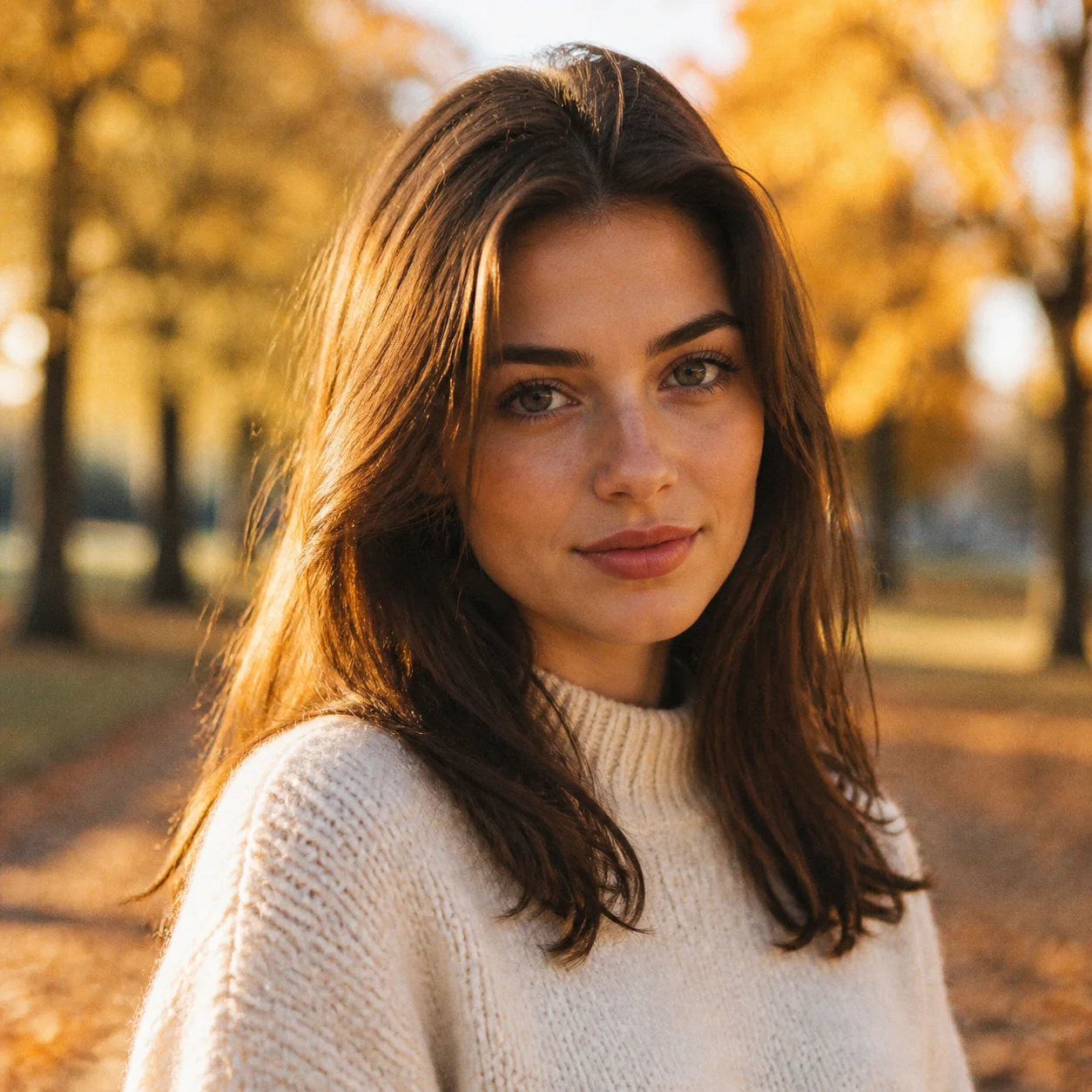
Autumn light portrait
A profile picture with a clear personality
Explore natural portraits, polished headshots and friendly illustrated characters. Start with a face or character reference, then choose the style that fits your profile.
How should I prepare the source?
Choose a clear subject, complete edges and deliberate framing. Leave space for movement or layout and retain the original.
How many references can I upload?
The model and workflow determine the displayed limit. Each PNG, JPEG or WebP can be up to 10 MB.
Will everyone in a group photo move accurately?
No guarantee. Multiple people and overlaps add complexity; choose a simple main action and inspect each person.
Portraits & avatars · Four steps
- Reference inputSTEP 1
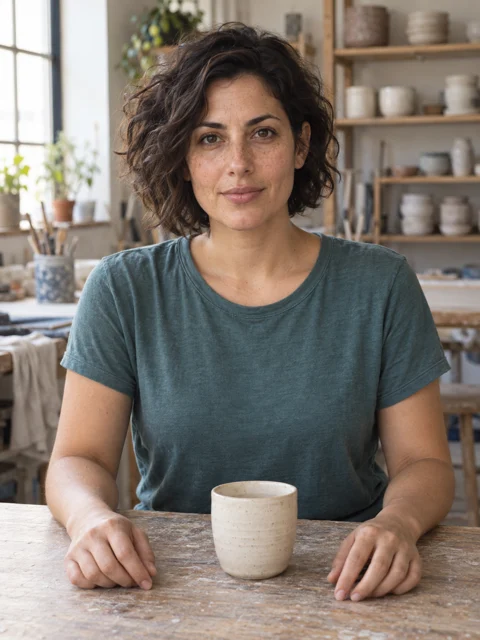
Choose a clear permitted portrait
Upload your authorized portrait or character reference to the AI avatar generator, then select GPT Image 2 reference editing.
- GPT Image 2STEP 21:1 · 1K
Decide its intended use and style
Give the AI avatar generator a distinctive silhouette, limited colors, and uncluttered background, keeping important features clear inside a square composition.
- STEP 3
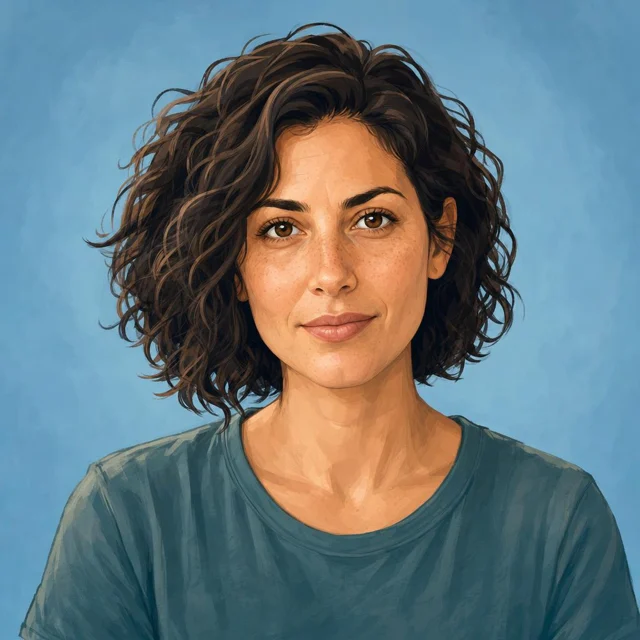
Reference input Describe appearance and review the quote
Start the AI avatar generator at square 1K, review the displayed credits, and generate a profile image with comfortable crop margins.
- STEP 4
Reference input Check identity details and cropping
Compare AI avatar generator results in small square and circular previews, checking facial readability and consistent styling before choosing your avatar.
Download ↓
Features
Start with an approachable expression
Warm autumn light and direct eye contact give the portrait an open character.
What to put in the prompt
Keep the face large enough to read when the image becomes a small avatar.
- Inspect the intended circular or square crop.
- Keep the important facial features visible.
Allow room for the shoulders
Include enough space for the intended portrait crop. Check that a circular display will not cut through important features.
Treat borders as a layout choice
A border or decorative frame can reduce the usable face area. Judge the avatar at its final size before adding decoration.

Create a cleaner professional direction
A navy suit and gray backdrop place attention on the face.
What to put in the prompt
Describe the clothing and background without changing the identity you want to retain.
- Define the desired style and preserved traits separately.
- Identity preservation still requires comparison.
Specify the expression
Ask for an expression suited to the intended use. Check whether the result still feels appropriate for the person and context.
Simplify rather than replace identity
A drawn or stylized treatment can change the appearance. Compare the result with the authorized source instead of promising an exact identity match.
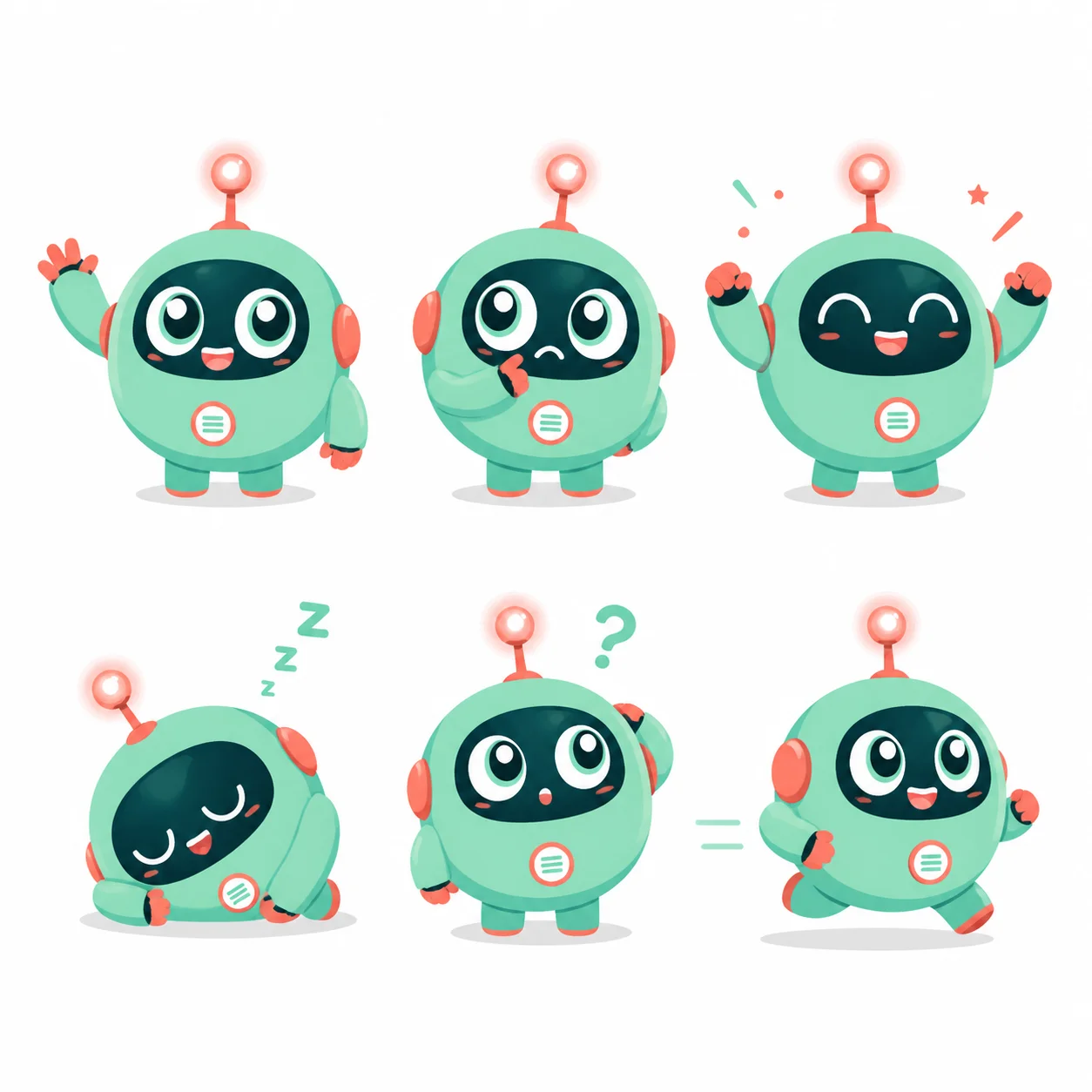
Give a mascot a range of emotions
The mint robot sheet explores six expressions with one silhouette.
What to put in the prompt
Choose a recognizable body shape before trying different expressions.
- Review the avatar at thumbnail size.
- Keep the background quieter than the face.
Limit background decoration
A simple background makes the face easier to read. Extra objects and patterns can become noise in a small circular crop.
Use a coherent color family
Coordinate clothing, background and overall treatment. Check the result in both light and dark interface contexts.
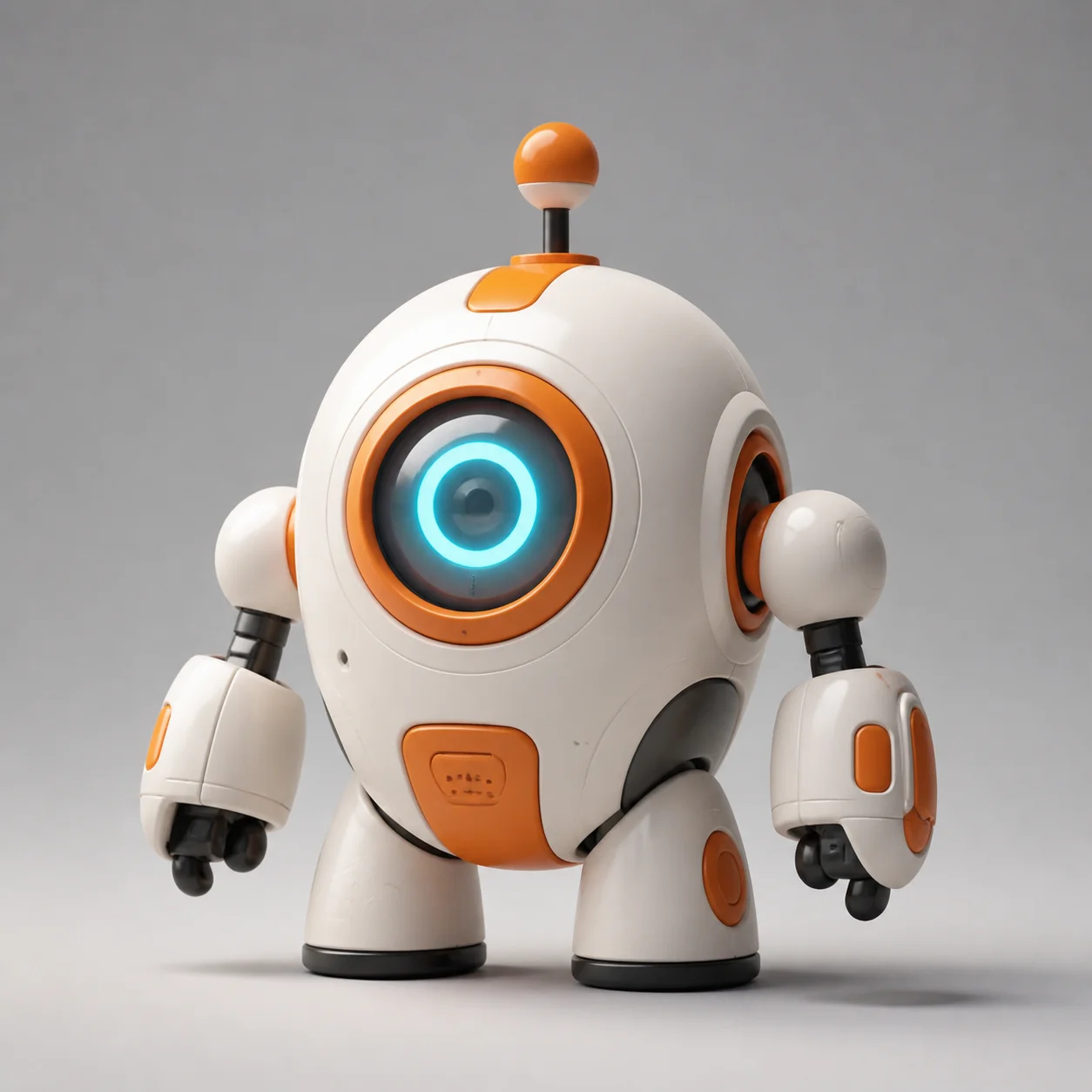
Try a tactile 3D character
Rounded white panels, orange joints and a large blue eye make the toy robot readable.
What to put in the prompt
Use a simple studio background so small details do not crowd the face.
Check references and outputs
Select the supported model settings and output count. Review the quote before the explicit confirmation step.
Compare thumbnails and originals
Inspect the full-resolution output and the smaller intended crop. A technically valid file can still be unsuitable as an avatar.
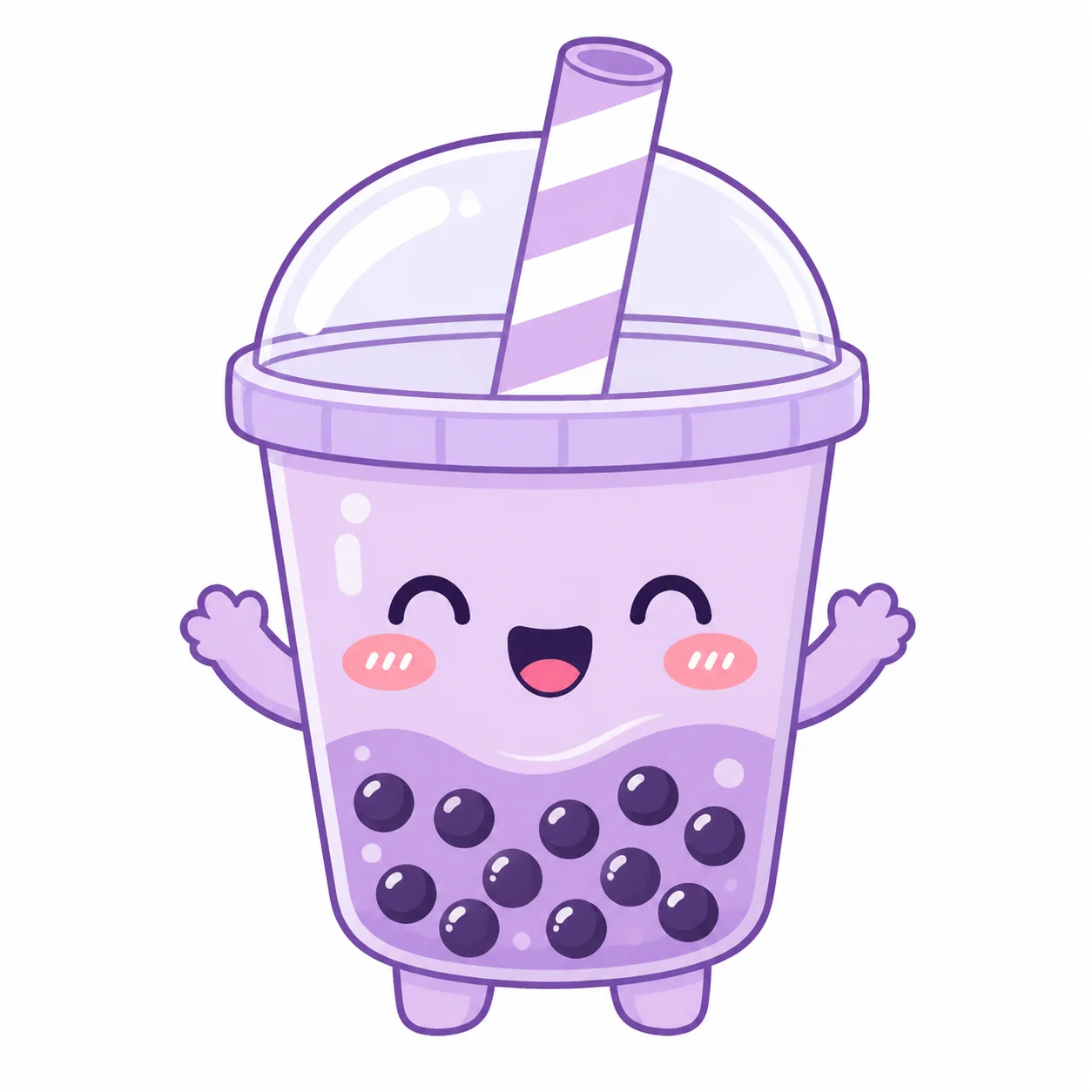
Keep the silhouette friendly at small sizes
A bubble-tea cup becomes a mascot through a few expressive features.
What to put in the prompt
Check the straw, arms and face inside both square and circular crops.
Check light and dark contexts
Review the actual avatar against the backgrounds where it will appear. A transparent background is not guaranteed by a descriptive prompt alone.
Approve before updating a profile
Review the face, expression, crop and resemblance yourself. Generating an image does not automatically change any external profile.
Example prompts
Identity cues
Use the reference portrait for a natural studio headshot, a simple warm gray background, soft facial light and frontal framing; retain the main identity cues.
Illustrated profile
Use your permitted portrait as reference for a clean flat illustrated avatar, retain main facial cues, plain background, complete face, no lettering.
4Carbon Pricing and Credit Plans
Subscriptions and one-time credits for AI image and video creation.
Cancel future renewals anytime
Lite
Save about 50%$0.025 /credit
$179.00 billed yearly · Save $179.80/year
600 credits/month
Video models


Image models
 GPT Image 2Fixed quote: 22 credits · Default settings
- GPT Image 2.5 FlareFixed quote: 4 credits · Default settings
- GPT Image 2.5 SunburstFixed quote: 4 credits · Default settings
 Nano Banana 2 LiteFixed quote: 5 credits · Default settings
- Nano Banana 2Fixed quote: 8 credits · Default settings
- Nano Banana ProFixed quote: 15 credits · Default settings
 Seedream V5Fixed quote: 14 credits · Default settings
- Seedream Pro LayerizeReserved credits: 119 credits · Default settings
 Grok Imagine ImageFixed quote: 4 credits · Default settings
- Image and video model access
- The same model and settings use the same credits across plans.
- Pay yearly. Credits arrive monthly and expire at each monthly window end. Unused credits do not roll over.
Standard
Save about 50%$0.017 /credit
$299.00 billed yearly · Save $299.80/year
1,500 credits/month
Video models
Image models
- GPT Image 2Fixed quote: 22 credits · Default settings
- GPT Image 2.5 FlareFixed quote: 4 credits · Default settings
- GPT Image 2.5 SunburstFixed quote: 4 credits · Default settings
- Nano Banana 2 LiteFixed quote: 5 credits · Default settings
- Nano Banana 2Fixed quote: 8 credits · Default settings
- Nano Banana ProFixed quote: 15 credits · Default settings
- Seedream V5Fixed quote: 14 credits · Default settings
- Seedream Pro LayerizeReserved credits: 119 credits · Default settings
- Grok Imagine ImageFixed quote: 4 credits · Default settings
- Image and video model access
- The same model and settings use the same credits across plans.
- Pay yearly. Credits arrive monthly and expire at each monthly window end. Unused credits do not roll over.
Pro
Save about 50%$0.014 /credit
$599.00 billed yearly · Save $599.80/year
3,600 credits/month
Video models
Image models
- GPT Image 2Fixed quote: 22 credits · Default settings
- GPT Image 2.5 FlareFixed quote: 4 credits · Default settings
- GPT Image 2.5 SunburstFixed quote: 4 credits · Default settings
- Nano Banana 2 LiteFixed quote: 5 credits · Default settings
- Nano Banana 2Fixed quote: 8 credits · Default settings
- Nano Banana ProFixed quote: 15 credits · Default settings
- Seedream V5Fixed quote: 14 credits · Default settings
- Seedream Pro LayerizeReserved credits: 119 credits · Default settings
- Grok Imagine ImageFixed quote: 4 credits · Default settings
- Image and video model access
- The same model and settings use the same credits across plans.
- Pay yearly. Credits arrive monthly and expire at each monthly window end. Unused credits do not roll over.
Max 1×
Save about 50%$0.012 /credit
$1,199.00 billed yearly · Save $1,199.80/year
8,000 credits/month
Video models
Image models
- GPT Image 2Fixed quote: 22 credits · Default settings
- GPT Image 2.5 FlareFixed quote: 4 credits · Default settings
- GPT Image 2.5 SunburstFixed quote: 4 credits · Default settings
- Nano Banana 2 LiteFixed quote: 5 credits · Default settings
- Nano Banana 2Fixed quote: 8 credits · Default settings
- Nano Banana ProFixed quote: 15 credits · Default settings
- Seedream V5Fixed quote: 14 credits · Default settings
- Seedream Pro LayerizeReserved credits: 119 credits · Default settings
- Grok Imagine ImageFixed quote: 4 credits · Default settings
- Image and video model access
- The same model and settings use the same credits across plans.
- Pay yearly. Credits arrive monthly and expire at each monthly window end. Unused credits do not roll over.
Payment and confirmation
Pricing is shown for reference. Online checkout is not available at launch.
Credits, cancellation and refunds
Pay yearly. Credits arrive monthly and expire at each monthly window end. Unused credits do not roll over.
Subscription credits expire at each paid monthly window end. Cancellation stops the next renewal; paid access continues to period end.
One-time credits are valid for 12 calendar months. A pack does not start a subscription.
Cancellation stops future renewals. Refunds are reviewed separately. Approved purchase reversals reduce only that purchase’s entitlements proportionally; used or reserved credits require review. Other purchases are unaffected.
Frequently asked questions
How should I prepare the source?+
Choose a clear subject, complete edges and deliberate framing. Leave space for movement or layout and retain the original.
How many references can I upload?+
The model and workflow determine the displayed limit. Each PNG, JPEG or WebP can be up to 10 MB.
Will everyone in a group photo move accurately?+
No guarantee. Multiple people and overlaps add complexity; choose a simple main action and inspect each person.
Is identity or style guaranteed to stay consistent?+
References and instructions guide the result but do not guarantee it. Inspect the complete image or clip.
Will the subject stay completely unchanged?+
No guarantee. Request preservation of shape, identity and marks, then compare every result with the source.
Explore the tools
Video Tools
Video Models
Image Tools
Image Models
Creative Tools
Create your next profile picture
Explore natural portraits, polished headshots and friendly illustrated characters. Start with a face or character reference, then choose the style that fits your profile.