 4Carbon
Keep the subject. Reimagine the image.
Give an existing photo a new setting, light or illustrated treatment. Use your reference to anchor the subject, then describe the changes that matter most.
Fixed quote22 creditsResolution: 1K · Background: Automatic · Image size: Square HD · Quality: High · Output format: PNG · Output images: 1 · Reference images: 1
This preset uses the fixed credit quote shown. Auto is also quoted in advance. Prompt complexity and token usage do not add a charge after confirmation.
Cases and starting points
Sample Image
Autumn light portrait
Keep the subject. Reimagine the image.
Give an existing photo a new setting, light or illustrated treatment. Use your reference to anchor the subject, then describe the changes that matter most.
How many references can I upload?
The model and workflow determine the displayed limit. Each PNG, JPEG or WebP can be up to 10 MB.
Does reference order matter?
Reorder the list and explain each image’s role. Do not rely on the model to infer those roles.
How should I assign reference roles?
Identify which image supplies the subject, setting or palette, and specify what should stay or change.
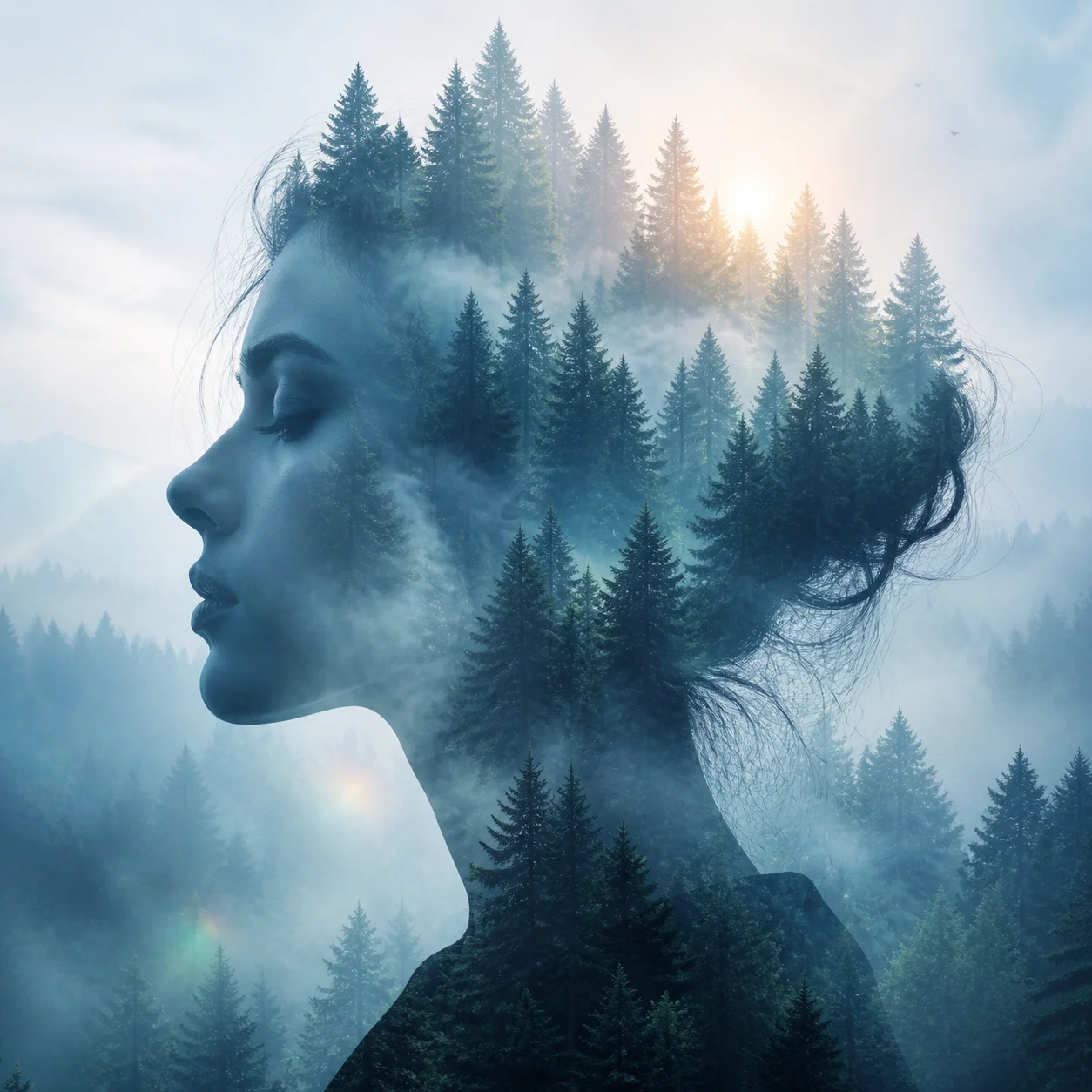
Image editing · Four steps
- Reference inputSTEP 1
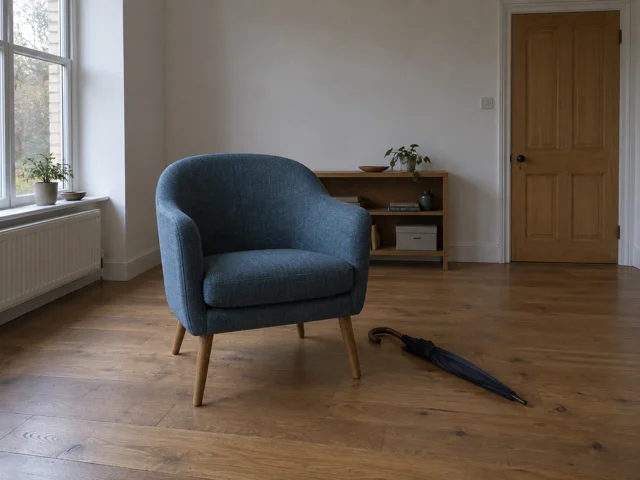
Upload and order references
Choose GPT Image 2 reference editing for image to image, uploading your main picture and any additional references with clear roles.
- GPT Image 2STEP 21:1 · 1K
Describe what stays and changes
Tell image to image which scene or style should change, which subject matters, and which visible features deserve careful preservation.
- STEP 3
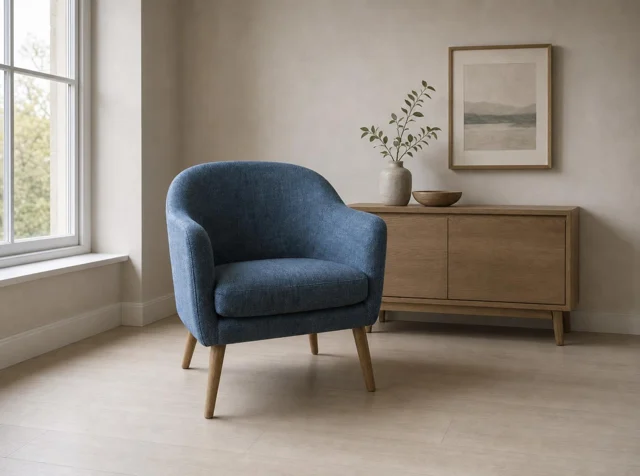
Reference input Review settings and credits
Set 1K and your preferred framing for image to image, review the displayed credits, and generate the requested visual transformation.
- STEP 4
Reference input Compare the result with the original
Inspect image to image output beside your source, checking both the requested change and unexpected differences before downloading an approved version.
Download ↓
Features
Blend a portrait with a second world
A forest inside a profile shows a double-exposure direction.
What to put in the prompt
Bring your own portrait and describe where the trees should blend into the silhouette.
- Give every uploaded reference a role.
- Remove references that conflict with the main source.
Explain supporting references
Where the model accepts multiple images, state whether each adds lighting, style or context. Upload order remains visible and can be changed.
Remove conflicting instructions
Avoid mixing incompatible poses or different product identities without an explanation. Fewer purposeful references are easier to evaluate.
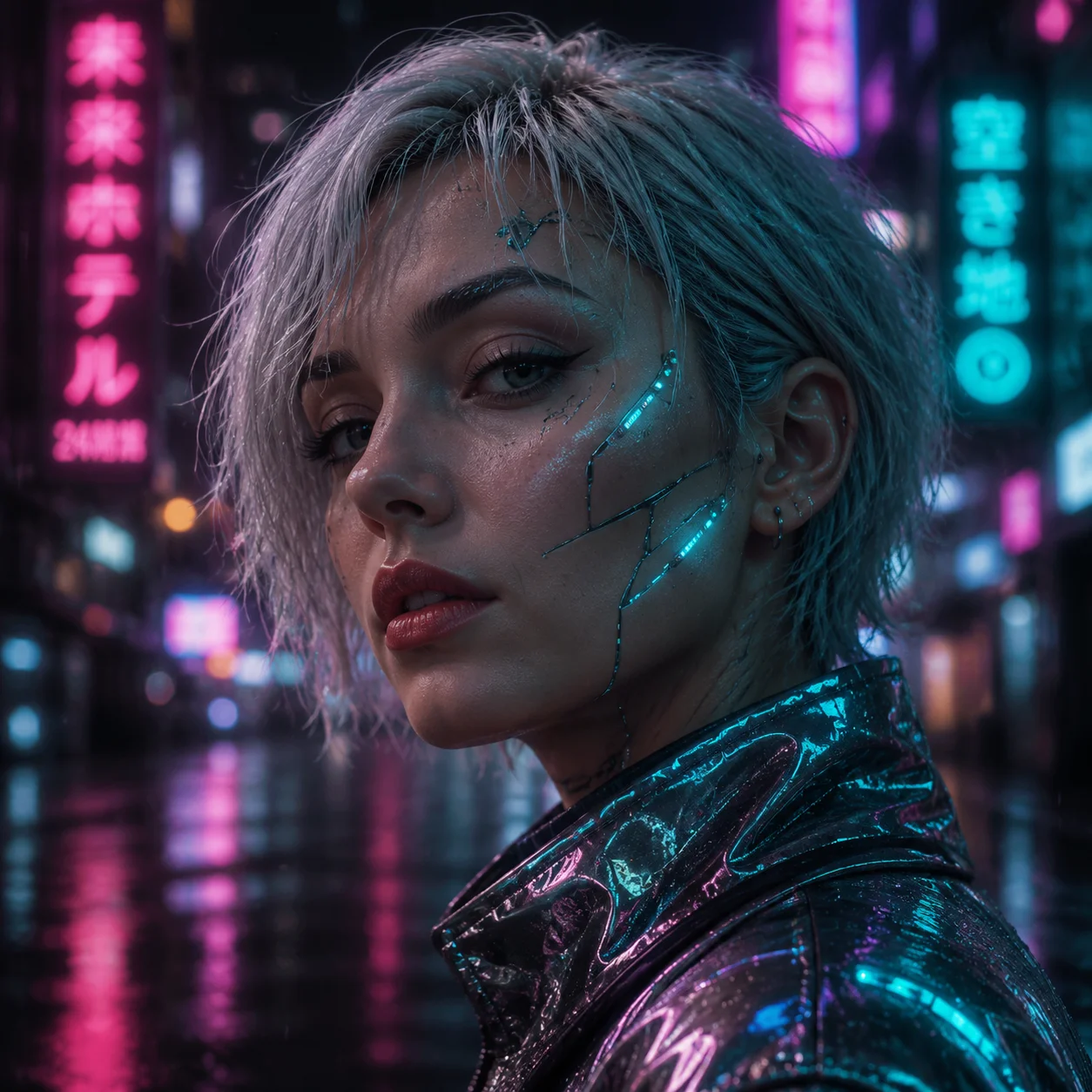
Change the light, keep a recognizable face
Cyan and magenta reflections can suggest a rainy future city.
What to put in the prompt
Describe the new environment separately from the facial features you want retained.
- Check the support surface and contact shadows.
- Do not present inferred product angles as real evidence.
Match the light direction
Ask for a setting whose main light makes sense on the subject. Review highlights and shadows together.
Treat hidden angles cautiously
An unseen back or side must be inferred. Do not use an invented view as evidence of a real product’s construction.
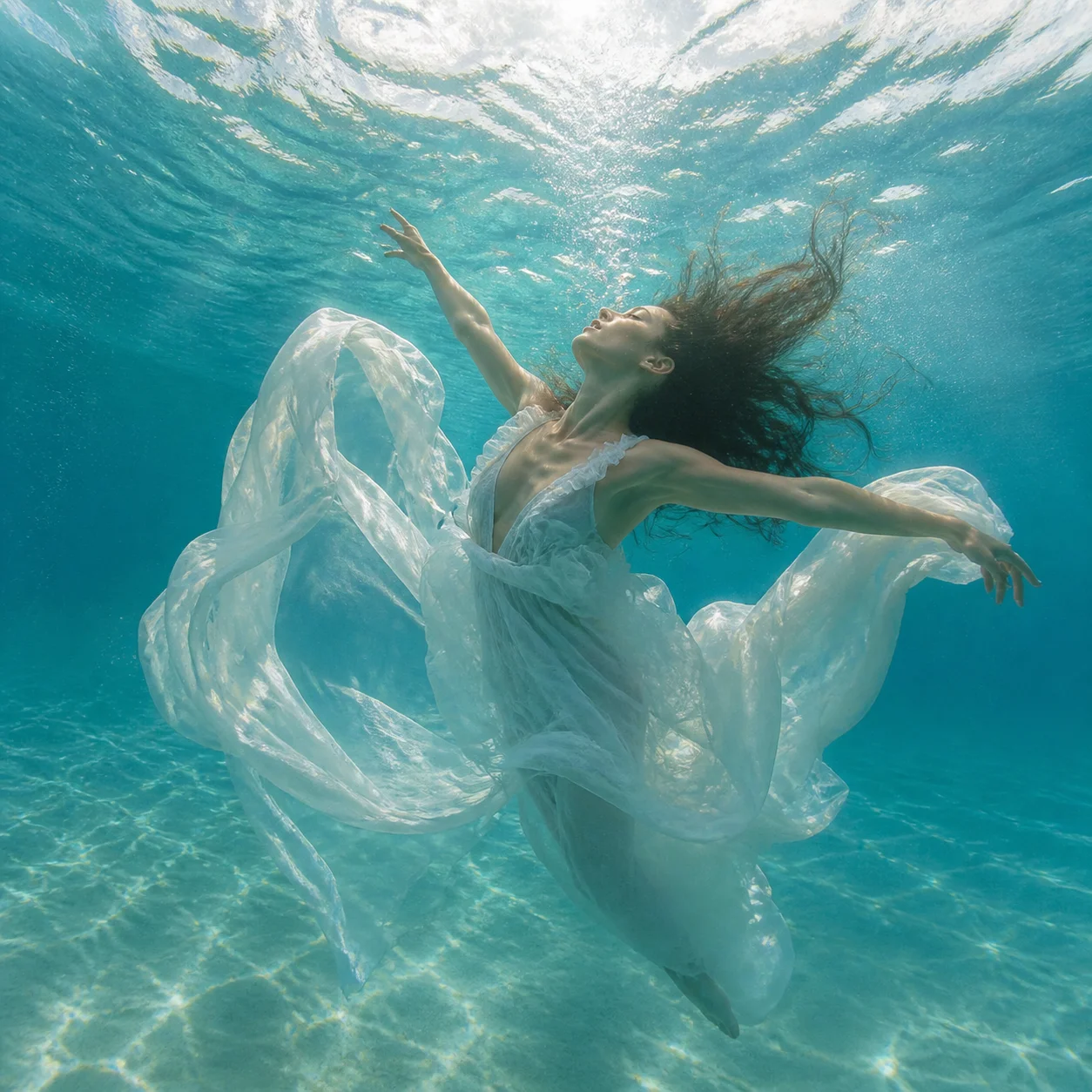
Rebuild the atmosphere around the subject
Turquoise water and drifting white fabric create a distinct visual mood.
What to put in the prompt
Use the image as a direction for color, depth and material rather than an automatic transformation guarantee.
- Separate style instructions from identity instructions.
- Verify labels and small marks after editing.
Distinguish mood from geometry
A warmer mood does not require a different face or product shape. State which proportions and defining features should remain.
Review text and fine marks
Check labels, logos and small repeating details after an edit. Exact text and brand artwork need manual verification.
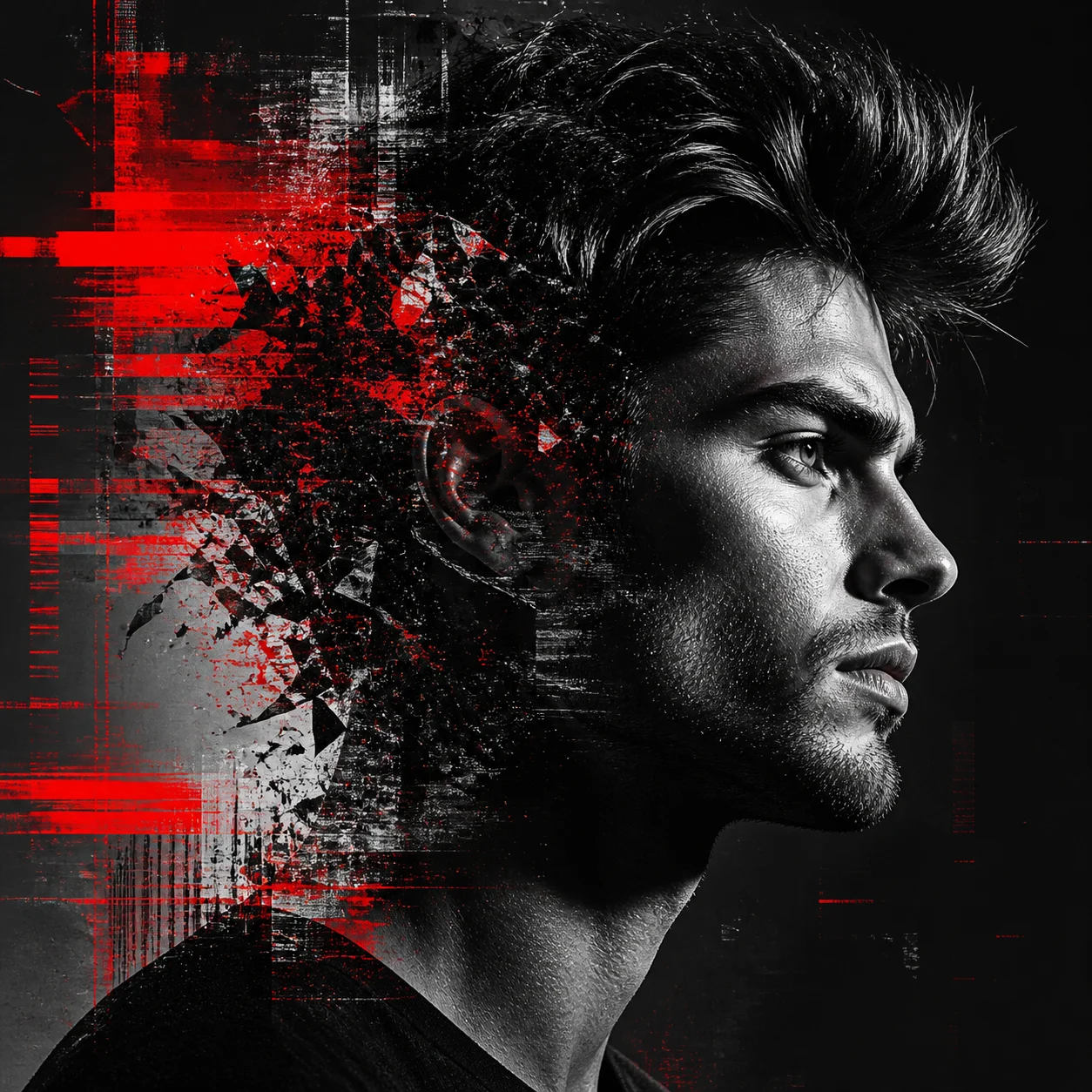
Try a graphic treatment
The red-fragment profile shows a strong monochrome edit direction.
What to put in the prompt
Keep the face readable while concentrating the distortion away from key features.
Choose the output settings
Use the parameters exposed for the selected model. Reference count and output count are included where they affect the shared quote.
Keep or revise deliberately
Compare the new image to the original before another attempt. Reusing a prompt does not automatically submit or spend credits.
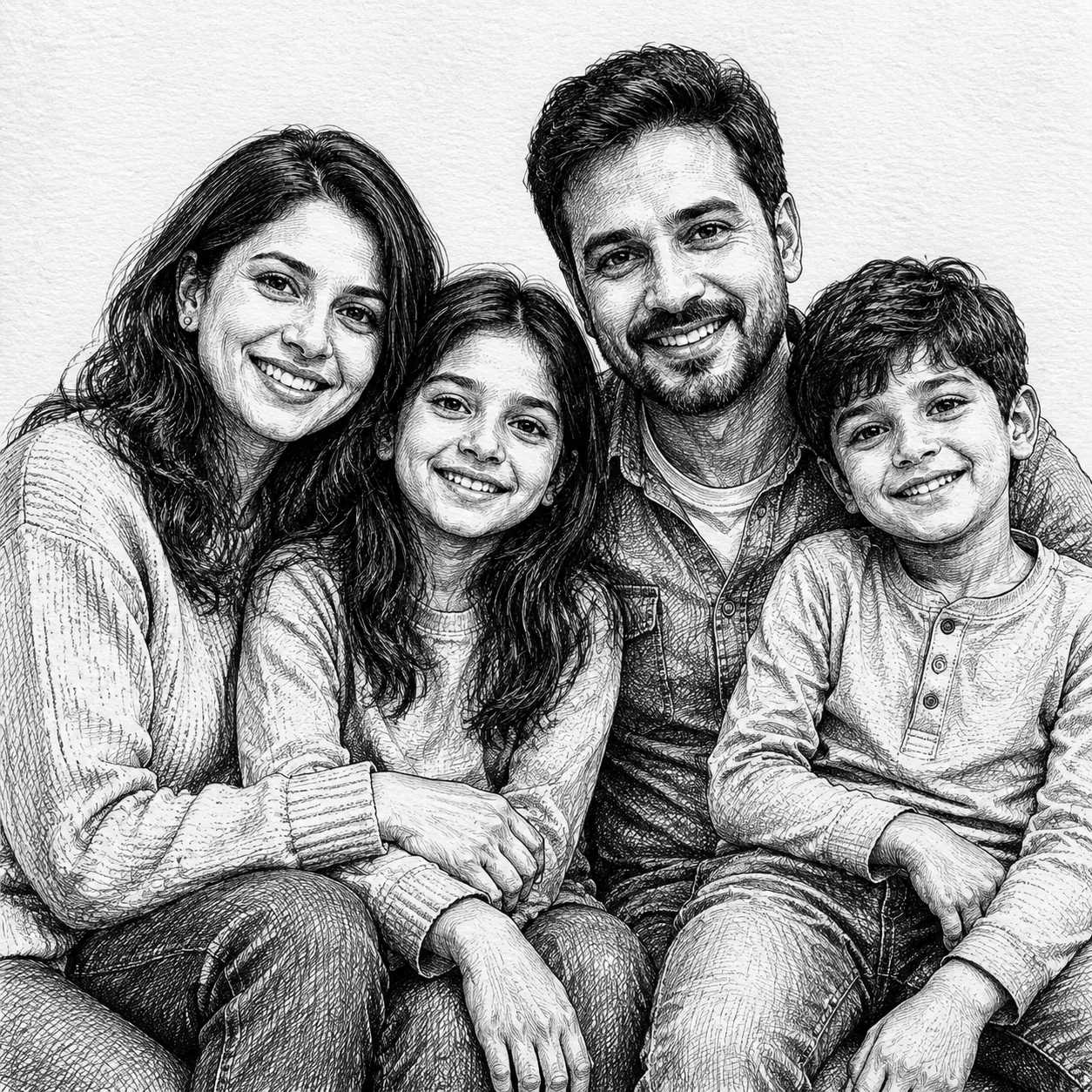
Translate a photo into linework
Crosshatched family portraits rely on distinct faces and clean outlines.
What to put in the prompt
State the number of people and the drawing medium before adding decorative texture.
Inspect the preserved area
Compare the face, product proportions and distinctive marks with the source. Preservation is an instruction, not a guarantee.
Choose the appropriate workflow
Use text-to-image for a new concept and image-to-image for a source-led edit. Layer decomposition is a separate operation.
Example prompts
Reference roles
Keep the referenced product shape, color and viewing angle. Replace the setting with a simple pale gray studio, soft shadows, and no added lettering.
Subject preservation requests
Keep the referenced product shape, color and viewing angle. Replace the setting with a simple pale gray studio, soft shadows, and no added lettering. Focus: Subject preservation requests. Keep the other requirements and prioritize this check.
4Carbon Pricing and Credit Plans
Subscriptions and one-time credits for AI image and video creation.
Cancel future renewals anytime
Lite
Save about 50%$0.025 /credit
$179.00 billed yearly · Save $179.80/year
600 credits/month
Video models


Image models
 GPT Image 2Fixed quote: 22 credits · Default settings
- GPT Image 2.5 FlareFixed quote: 4 credits · Default settings
- GPT Image 2.5 SunburstFixed quote: 4 credits · Default settings
 Nano Banana 2 LiteFixed quote: 5 credits · Default settings
- Nano Banana 2Fixed quote: 8 credits · Default settings
- Nano Banana ProFixed quote: 15 credits · Default settings
 Seedream V5Fixed quote: 14 credits · Default settings
- Seedream Pro LayerizeReserved credits: 119 credits · Default settings
 Grok Imagine ImageFixed quote: 4 credits · Default settings
- Image and video model access
- The same model and settings use the same credits across plans.
- Pay yearly. Credits arrive monthly and expire at each monthly window end. Unused credits do not roll over.
Standard
Save about 50%$0.017 /credit
$299.00 billed yearly · Save $299.80/year
1,500 credits/month
Video models
Image models
- GPT Image 2Fixed quote: 22 credits · Default settings
- GPT Image 2.5 FlareFixed quote: 4 credits · Default settings
- GPT Image 2.5 SunburstFixed quote: 4 credits · Default settings
- Nano Banana 2 LiteFixed quote: 5 credits · Default settings
- Nano Banana 2Fixed quote: 8 credits · Default settings
- Nano Banana ProFixed quote: 15 credits · Default settings
- Seedream V5Fixed quote: 14 credits · Default settings
- Seedream Pro LayerizeReserved credits: 119 credits · Default settings
- Grok Imagine ImageFixed quote: 4 credits · Default settings
- Image and video model access
- The same model and settings use the same credits across plans.
- Pay yearly. Credits arrive monthly and expire at each monthly window end. Unused credits do not roll over.
Pro
Save about 50%$0.014 /credit
$599.00 billed yearly · Save $599.80/year
3,600 credits/month
Video models
Image models
- GPT Image 2Fixed quote: 22 credits · Default settings
- GPT Image 2.5 FlareFixed quote: 4 credits · Default settings
- GPT Image 2.5 SunburstFixed quote: 4 credits · Default settings
- Nano Banana 2 LiteFixed quote: 5 credits · Default settings
- Nano Banana 2Fixed quote: 8 credits · Default settings
- Nano Banana ProFixed quote: 15 credits · Default settings
- Seedream V5Fixed quote: 14 credits · Default settings
- Seedream Pro LayerizeReserved credits: 119 credits · Default settings
- Grok Imagine ImageFixed quote: 4 credits · Default settings
- Image and video model access
- The same model and settings use the same credits across plans.
- Pay yearly. Credits arrive monthly and expire at each monthly window end. Unused credits do not roll over.
Max 1×
Save about 50%$0.012 /credit
$1,199.00 billed yearly · Save $1,199.80/year
8,000 credits/month
Video models
Image models
- GPT Image 2Fixed quote: 22 credits · Default settings
- GPT Image 2.5 FlareFixed quote: 4 credits · Default settings
- GPT Image 2.5 SunburstFixed quote: 4 credits · Default settings
- Nano Banana 2 LiteFixed quote: 5 credits · Default settings
- Nano Banana 2Fixed quote: 8 credits · Default settings
- Nano Banana ProFixed quote: 15 credits · Default settings
- Seedream V5Fixed quote: 14 credits · Default settings
- Seedream Pro LayerizeReserved credits: 119 credits · Default settings
- Grok Imagine ImageFixed quote: 4 credits · Default settings
- Image and video model access
- The same model and settings use the same credits across plans.
- Pay yearly. Credits arrive monthly and expire at each monthly window end. Unused credits do not roll over.
Payment and confirmation
Pricing is shown for reference. Online checkout is not available at launch.
Credits, cancellation and refunds
Pay yearly. Credits arrive monthly and expire at each monthly window end. Unused credits do not roll over.
Subscription credits expire at each paid monthly window end. Cancellation stops the next renewal; paid access continues to period end.
One-time credits are valid for 12 calendar months. A pack does not start a subscription.
Cancellation stops future renewals. Refunds are reviewed separately. Approved purchase reversals reduce only that purchase’s entitlements proportionally; used or reserved credits require review. Other purchases are unaffected.
Frequently asked questions
How many references can I upload?+
The model and workflow determine the displayed limit. Each PNG, JPEG or WebP can be up to 10 MB.
Does reference order matter?+
Reorder the list and explain each image’s role. Do not rely on the model to infer those roles.
How should I assign reference roles?+
Identify which image supplies the subject, setting or palette, and specify what should stay or change.
Will the subject stay completely unchanged?+
No guarantee. Request preservation of shape, identity and marks, then compare every result with the source.
How do I request a new background?+
Describe the subject and angle to retain, then the new setting and light. Inspect edges, contact shadows and reflections.
Explore the tools
Video Tools
Video Models
Image Tools
Image Models
Creative Tools
Upload an image and describe the edit
Give an existing photo a new setting, light or illustrated treatment. Use your reference to anchor the subject, then describe the changes that matter most.