 4Carbon
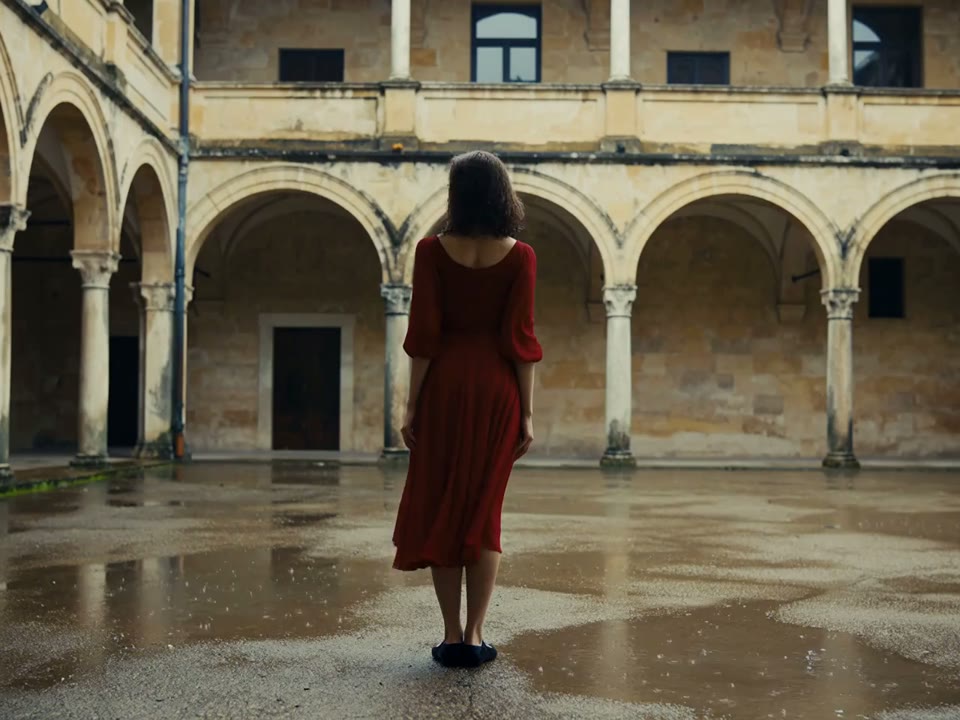
Turn a favorite photo into a living moment
A small turn, a changing expression or a gentle camera move can give a photograph a new rhythm. Use a clear source image and choose the movement that suits its subject.
Fixed quote · per video152 creditsAspect ratio: Automatic · Resolution: 720p · Duration: 5 seconds · Generate audio: On · Reference images: 1
This preset uses the fixed credit quote shown. Auto is also quoted in advance. Prompt complexity and token usage do not add a charge after confirmation.
Cases and starting points
View prompt
Use the supplied frame as a visual starting point. An adult woman in a flowing red dress dances alone in a weathered stone courtyard lined with arched columns. Begin behind her, then let her turn so the skirt opens into a broad circle. End in a poised standing gesture. Soft overcast daylight, wet paving and a stable full-body composition, with no added titles.
Turn a favorite photo into a living moment
A small turn, a changing expression or a gentle camera move can give a photograph a new rhythm. Use a clear source image and choose the movement that suits its subject.
Which files can I upload?
Use a clear static PNG, JPEG or WebP up to 10 MB. Avoid heavy blur or cropped essential details.
Can I animate an old photograph?
Try a clear photo with permission, but compare changes with the original. Generated details are not historical evidence.
Does animation also restore the photo?
This is image-to-video, without a dedicated old-photo restoration or factual-detail recovery workflow.
Photo animation · Four steps
- Reference inputSTEP 1
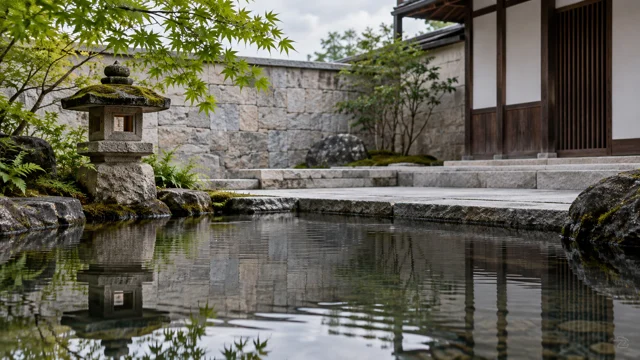
Choose a clear permitted photo
Upload the courtyard image as the opening frame. Keep the scene readable and the intended focal point visible.
- VideoSTEP 25s
Specify one subtle change
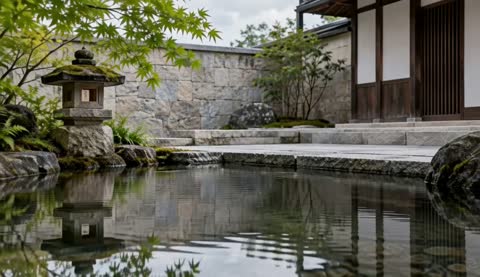
Describe the leaves, water, and slow camera push. Explain which stonework and scene elements must stay stationary.
- STEP 3
0s 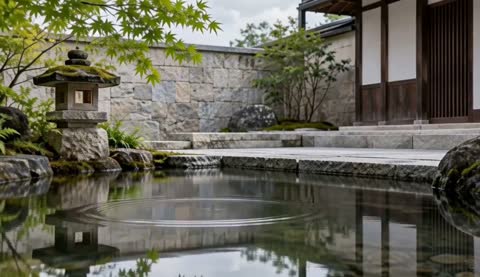
2.8s 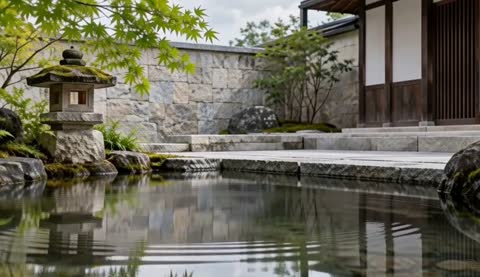
5s Review short-clip settings and credits
Review the opening, middle, and ending for unwanted changes. Use the current duration and audio quote before generation.
- STEP 4
Reference input Compare the photograph with the full result
Play the complete clip beside the opening image, checking architecture, water movement, and the ending before downloading.
Download ↓
Features
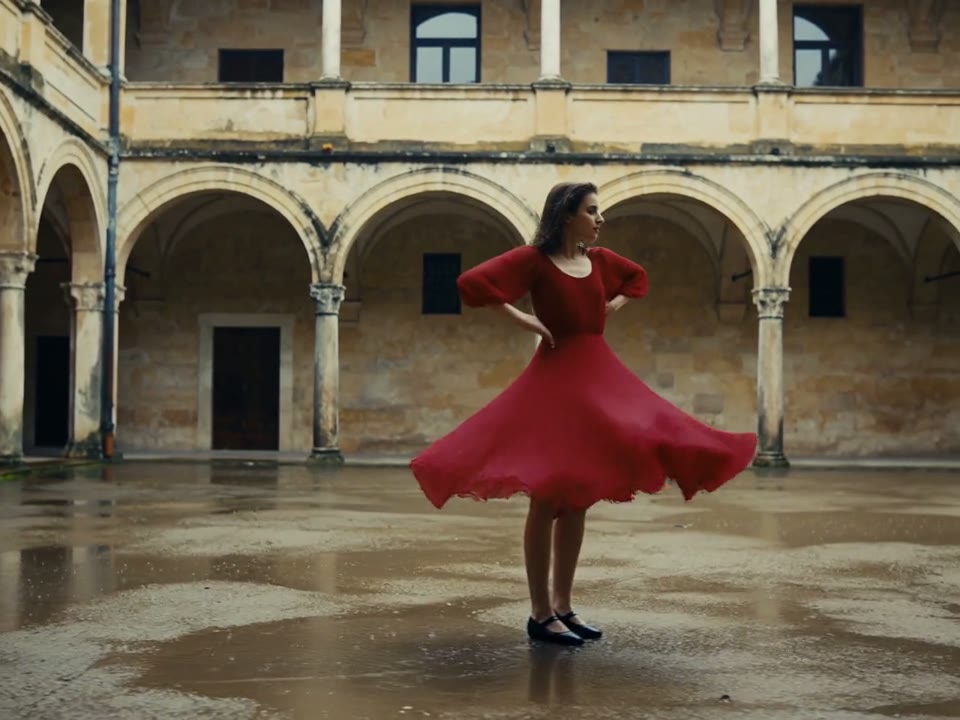
Leave room for a natural gesture
A full-body pose gives a turning dress room to move.
What to put in the prompt
Choose a source with complete edges rather than asking the model to reconstruct a cropped subject.
- Choose a complete, clear photograph.
- The public product clip is not a verified portrait example.
Separate subject and background
A clear silhouette makes unwanted changes easier to spot. Avoid treating a busy scene as a promise that every detail will remain fixed.
Keep the original for comparison
Compare the finished clip with the untouched photograph. The paired product example demonstrates the workflow, not a tested portrait result.
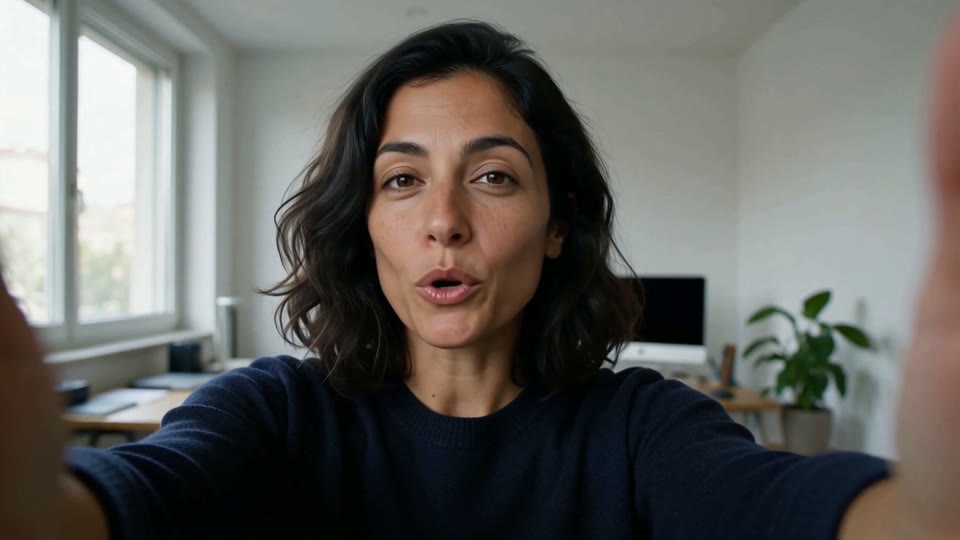
Keep portrait movement subtle
A camera-facing portrait can change through a small glance or smile.
What to put in the prompt
Avoid asking one still photograph to support several large pose changes at once.
- Use one small, natural event.
- Review stable areas as carefully as moving ones.
Use the environment sparingly
A little water, steam or foliage motion can support a scene. Do not require every object to move independently.
Protect the stable parts
State which background or subject details should remain steady. Inspect the outcome rather than assuming a preservation instruction is guaranteed.
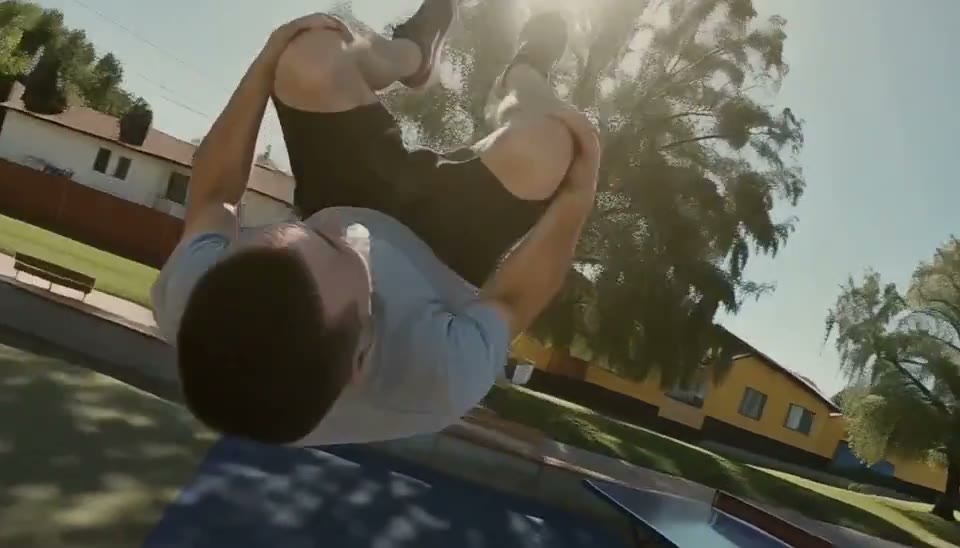
Match the camera to the scene
A close moving viewpoint creates energy in the parkour study.
What to put in the prompt
A calm photo may work better with a slower push or a locked camera.
- Respect the source crop and viewpoint.
- Optional ending guidance depends on the selected model.
Check the source crop
Image-led video may inherit its proportions from the source. Do not promise an independent aspect-ratio control where the model has none.
Use end guidance when supported
Kling can use a second image as an optional end frame. Other models retain the reference limits displayed in their own workspace.
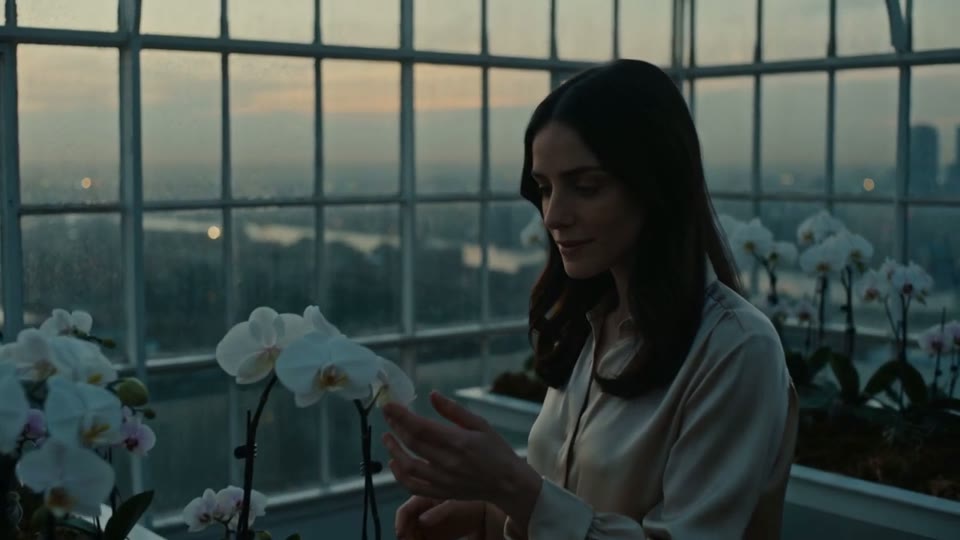
Let the surroundings support the subject
Window light and orchids carry the fragrance scene without a crowded background.
What to put in the prompt
Ask for restrained environmental motion when the face is the focal point.
Do not imply voice cloning
This photo animation workflow does not offer uploaded speech or a verified talking-photo lip-sync mode. Keep that distinction clear.
Leave room for the movement
Choose a duration that lets the small action finish. Use the current quote because duration and audio affect the price.
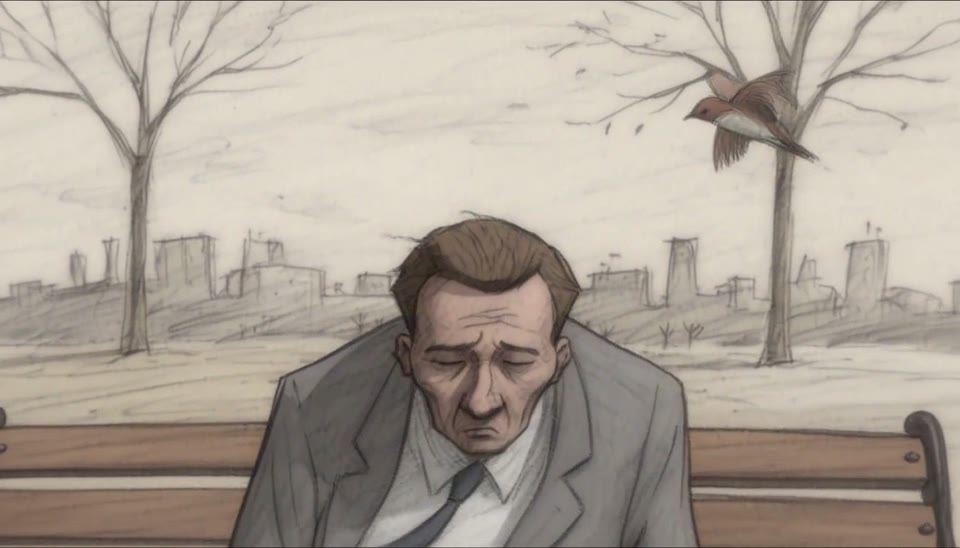
Explore an illustrated direction
A paper-textured bench scene shows another way to express emotion.
What to put in the prompt
Treat it as a style direction and keep your own photo as the subject reference.
Choose a treatment that fits the photograph
From a natural portrait to a drawn character, decide which subject features matter and keep the linework, light and background aligned.
Download the existing result
Use the completed task or an approved public sample for review. Downloading does not require another generation request.
Example prompts
Atmosphere
Keep the referenced subject in place while environmental light changes slowly. Use an almost fixed camera, without added people or text.
Landscape photograph
Use your uploaded landscape photo. Clouds drift slowly and grass moves slightly while mountains and composition stay stable.
4Carbon Pricing and Credit Plans
Subscriptions and one-time credits for AI image and video creation.
Cancel future renewals anytime
Lite
Save about 50%$0.025 /credit
$179.00 billed yearly · Save $179.80/year
600 credits/month
Video models


Image models
 GPT Image 2Fixed quote: 22 credits · Default settings
- GPT Image 2.5 FlareFixed quote: 4 credits · Default settings
- GPT Image 2.5 SunburstFixed quote: 4 credits · Default settings
 Nano Banana 2 LiteFixed quote: 5 credits · Default settings
- Nano Banana 2Fixed quote: 8 credits · Default settings
- Nano Banana ProFixed quote: 15 credits · Default settings
 Seedream V5Fixed quote: 14 credits · Default settings
- Seedream Pro LayerizeReserved credits: 119 credits · Default settings
 Grok Imagine ImageFixed quote: 4 credits · Default settings
- Image and video model access
- The same model and settings use the same credits across plans.
- Pay yearly. Credits arrive monthly and expire at each monthly window end. Unused credits do not roll over.
Standard
Save about 50%$0.017 /credit
$299.00 billed yearly · Save $299.80/year
1,500 credits/month
Video models
Image models
- GPT Image 2Fixed quote: 22 credits · Default settings
- GPT Image 2.5 FlareFixed quote: 4 credits · Default settings
- GPT Image 2.5 SunburstFixed quote: 4 credits · Default settings
- Nano Banana 2 LiteFixed quote: 5 credits · Default settings
- Nano Banana 2Fixed quote: 8 credits · Default settings
- Nano Banana ProFixed quote: 15 credits · Default settings
- Seedream V5Fixed quote: 14 credits · Default settings
- Seedream Pro LayerizeReserved credits: 119 credits · Default settings
- Grok Imagine ImageFixed quote: 4 credits · Default settings
- Image and video model access
- The same model and settings use the same credits across plans.
- Pay yearly. Credits arrive monthly and expire at each monthly window end. Unused credits do not roll over.
Pro
Save about 50%$0.014 /credit
$599.00 billed yearly · Save $599.80/year
3,600 credits/month
Video models
Image models
- GPT Image 2Fixed quote: 22 credits · Default settings
- GPT Image 2.5 FlareFixed quote: 4 credits · Default settings
- GPT Image 2.5 SunburstFixed quote: 4 credits · Default settings
- Nano Banana 2 LiteFixed quote: 5 credits · Default settings
- Nano Banana 2Fixed quote: 8 credits · Default settings
- Nano Banana ProFixed quote: 15 credits · Default settings
- Seedream V5Fixed quote: 14 credits · Default settings
- Seedream Pro LayerizeReserved credits: 119 credits · Default settings
- Grok Imagine ImageFixed quote: 4 credits · Default settings
- Image and video model access
- The same model and settings use the same credits across plans.
- Pay yearly. Credits arrive monthly and expire at each monthly window end. Unused credits do not roll over.
Max 1×
Save about 50%$0.012 /credit
$1,199.00 billed yearly · Save $1,199.80/year
8,000 credits/month
Video models
Image models
- GPT Image 2Fixed quote: 22 credits · Default settings
- GPT Image 2.5 FlareFixed quote: 4 credits · Default settings
- GPT Image 2.5 SunburstFixed quote: 4 credits · Default settings
- Nano Banana 2 LiteFixed quote: 5 credits · Default settings
- Nano Banana 2Fixed quote: 8 credits · Default settings
- Nano Banana ProFixed quote: 15 credits · Default settings
- Seedream V5Fixed quote: 14 credits · Default settings
- Seedream Pro LayerizeReserved credits: 119 credits · Default settings
- Grok Imagine ImageFixed quote: 4 credits · Default settings
- Image and video model access
- The same model and settings use the same credits across plans.
- Pay yearly. Credits arrive monthly and expire at each monthly window end. Unused credits do not roll over.
Payment and confirmation
Pricing is shown for reference. Online checkout is not available at launch.
Credits, cancellation and refunds
Pay yearly. Credits arrive monthly and expire at each monthly window end. Unused credits do not roll over.
Subscription credits expire at each paid monthly window end. Cancellation stops the next renewal; paid access continues to period end.
One-time credits are valid for 12 calendar months. A pack does not start a subscription.
Cancellation stops future renewals. Refunds are reviewed separately. Approved purchase reversals reduce only that purchase’s entitlements proportionally; used or reserved credits require review. Other purchases are unaffected.
Frequently asked questions
Which files can I upload?+
Use a clear static PNG, JPEG or WebP up to 10 MB. Avoid heavy blur or cropped essential details.
Can I animate an old photograph?+
Try a clear photo with permission, but compare changes with the original. Generated details are not historical evidence.
Does animation also restore the photo?+
This is image-to-video, without a dedicated old-photo restoration or factual-detail recovery workflow.
What motion suits a landscape?+
Start with subtle clouds, grass, leaves or water, while asking buildings and the horizon to stay steady.
How should a pet move?+
Try one small gesture such as an ear movement or brief head turn. Check eyes, limbs and fur for changes.
Explore the tools
Video Tools
Video Models
Image Tools
Image Models
Creative Tools
Add a little motion to this photo
A small turn, a changing expression or a gentle camera move can give a photograph a new rhythm. Use a clear source image and choose the movement that suits its subject.