 4Carbon
Give your product a setting that sells its character
Explore a serum in window light, a sneaker above water or jewelry against black glass. Bring your product photo and shape the lighting, surface and composition around it.
Fixed quote22 creditsResolution: 1K · Background: Automatic · Image size: Square HD · Quality: High · Output format: PNG · Output images: 1 · Reference images: 1
This preset uses the fixed credit quote shown. Auto is also quoted in advance. Prompt complexity and token usage do not add a charge after confirmation.
Cases and starting points
Sample Image
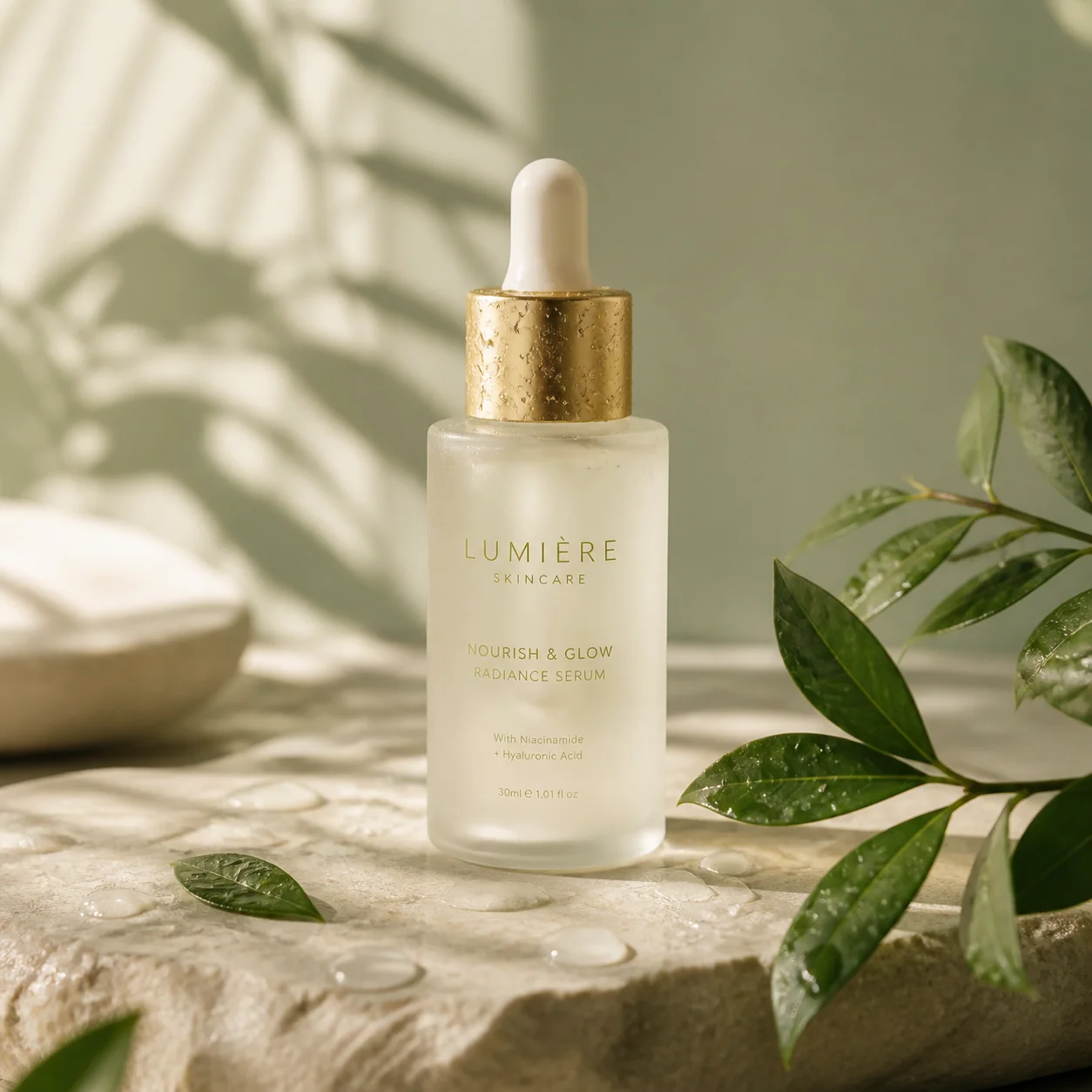
A serum in window light
Give your product a setting that sells its character
Explore a serum in window light, a sneaker above water or jewelry against black glass. Bring your product photo and shape the lighting, surface and composition around it.
How should I prepare the source?
Choose a clear subject, complete edges and deliberate framing. Leave space for movement or layout and retain the original.
Will the subject stay completely unchanged?
No guarantee. Request preservation of shape, identity and marks, then compare every result with the source.
Will lettering and labels remain exact?
No guarantee. Check every letter, number and mark; add critical typography in a separate editing step.
Product photography · Four steps
- Reference inputSTEP 1
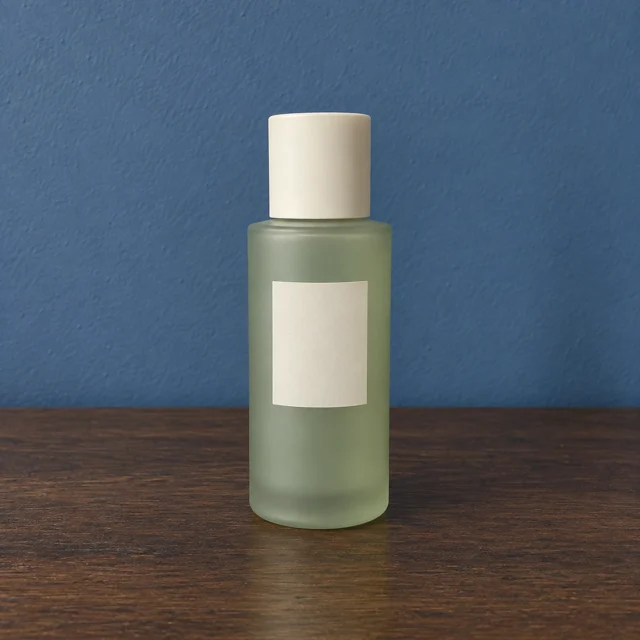
Upload a clear product view
Add a clear product photograph to the AI product image generator, then select GPT Image 2 reference editing.
- GPT Image 2STEP 21:1 · 1K
Name the details to retain
Tell the AI product image generator which packaging details matter, then describe the surface, lighting, and space around the item.
- STEP 3
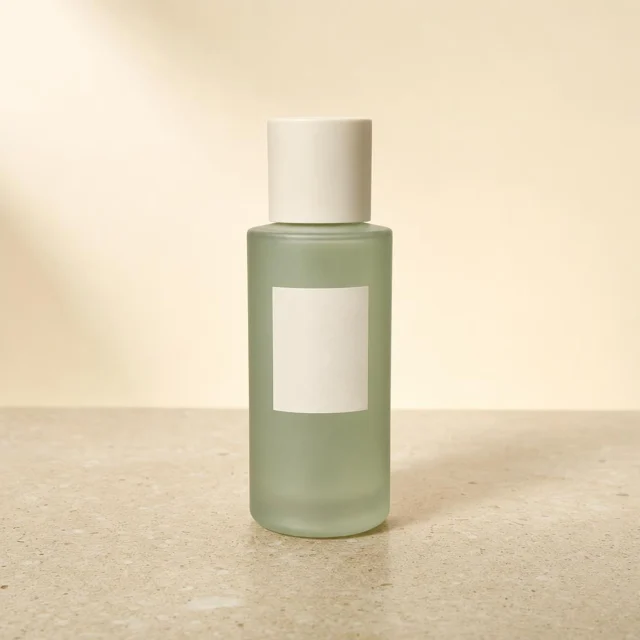
Reference input Describe setting and light, then review
Start the AI product image generator at 1K with square framing, check the displayed credits, and generate a candidate.
- STEP 4
Reference input Inspect packaging, shape and contact shadows
Compare AI product image generator output with your reference, checking labels, proportions, and shadows before downloading the approved image.
Download ↓
Features
Let soft daylight describe the package
The serum composition combines frosted glass, a gold dropper and leaf shadows.
What to put in the prompt
Use material-specific light while keeping the front of your product visible.
- Let light explain the real material.
- Keep decorative props secondary to the product.
Describe the surface finish
Glass, glazed ceramic and matte packaging need different treatments. Retain the features that make the real product identifiable.
Keep props secondary
Use supporting objects to explain scale or context. Avoid props that obscure the label, handle or product silhouette.
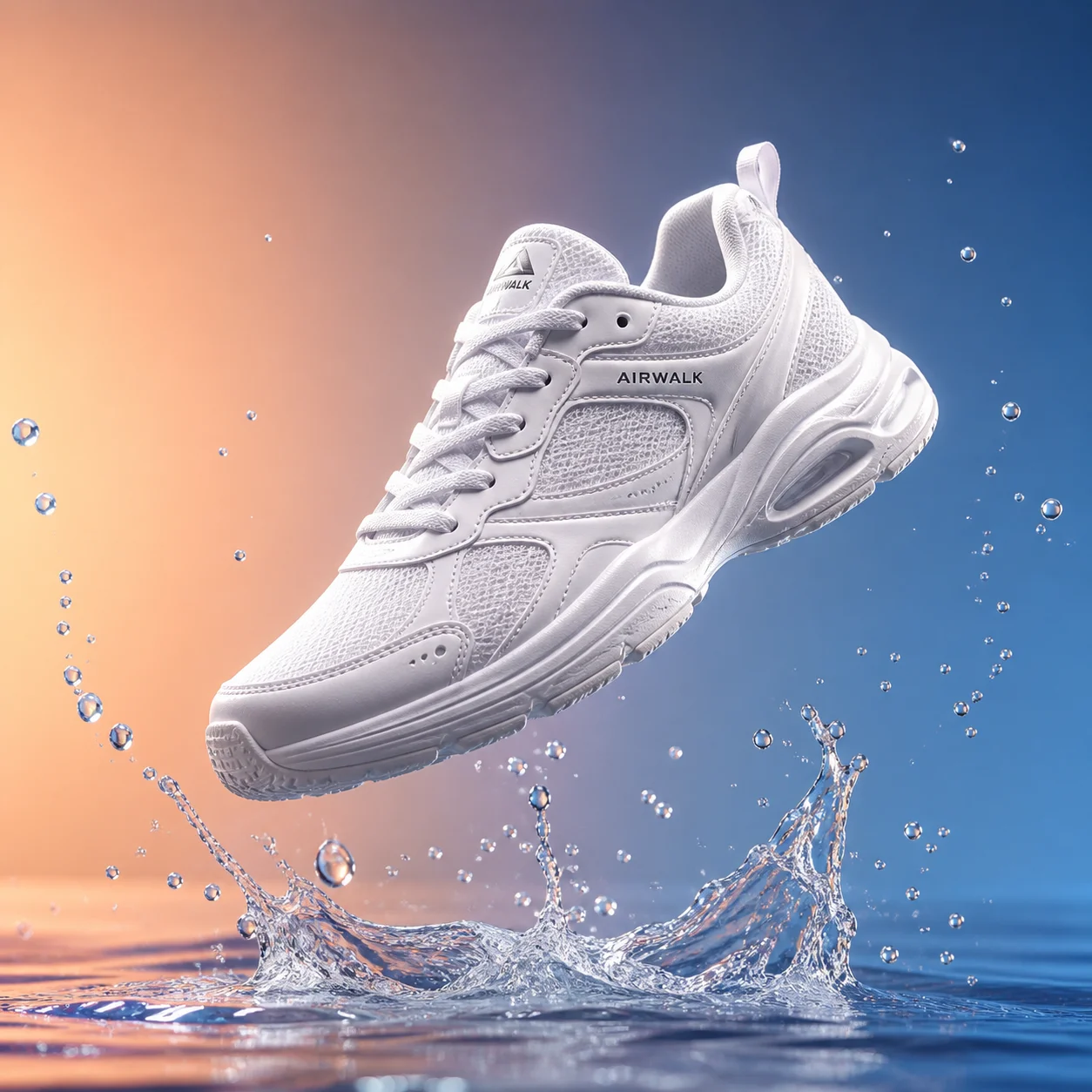
Create a clear hero silhouette
The floating sneaker stands apart from the splash and gradient.
What to put in the prompt
Give the product enough space so its outline stays readable in a small product card.
- Check product counts, overlaps and proportions.
- Reserve space for later verified copy.
Arrange grouped products clearly
For several items, specify relative position and scale. Inspect counts and overlaps in the generated result.
Reserve space for copy
Leave a quiet region for later text. Add exact promotional wording separately when reliable typesetting is required.
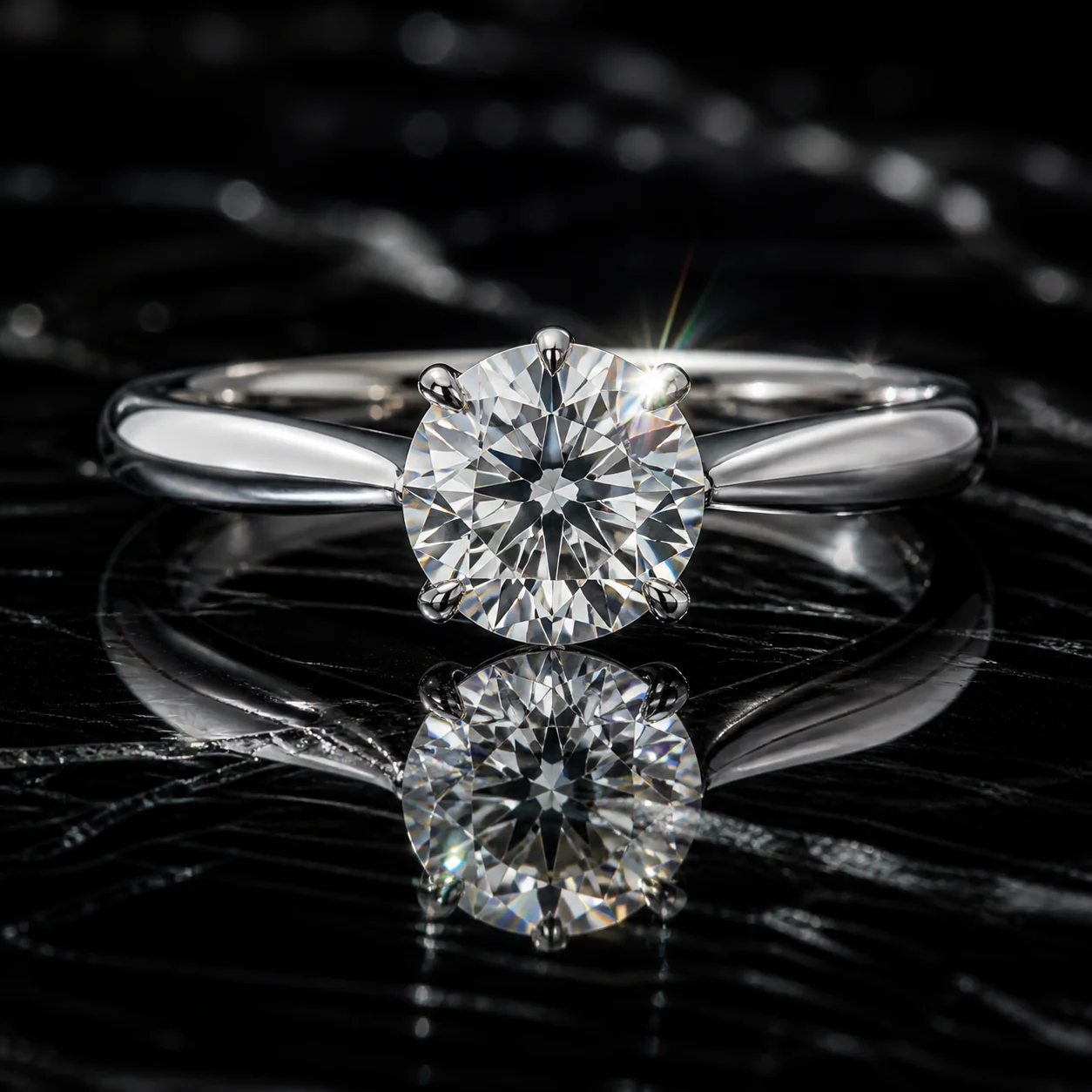
Use reflections with purpose
A ring against glossy black makes the facets and silver edge stand out.
What to put in the prompt
Ask for a restrained reflection rather than a second competing object.
- Use an authorized source image.
- Inputs are not presented as finished edits.
Choose available output settings
Check the selected model, size and output count. Reference count affects the quote only where the model tariff specifies it.
Revise one scene decision
Keep the product direction stable while changing lighting, surface or framing. Compare the new image with the original item.
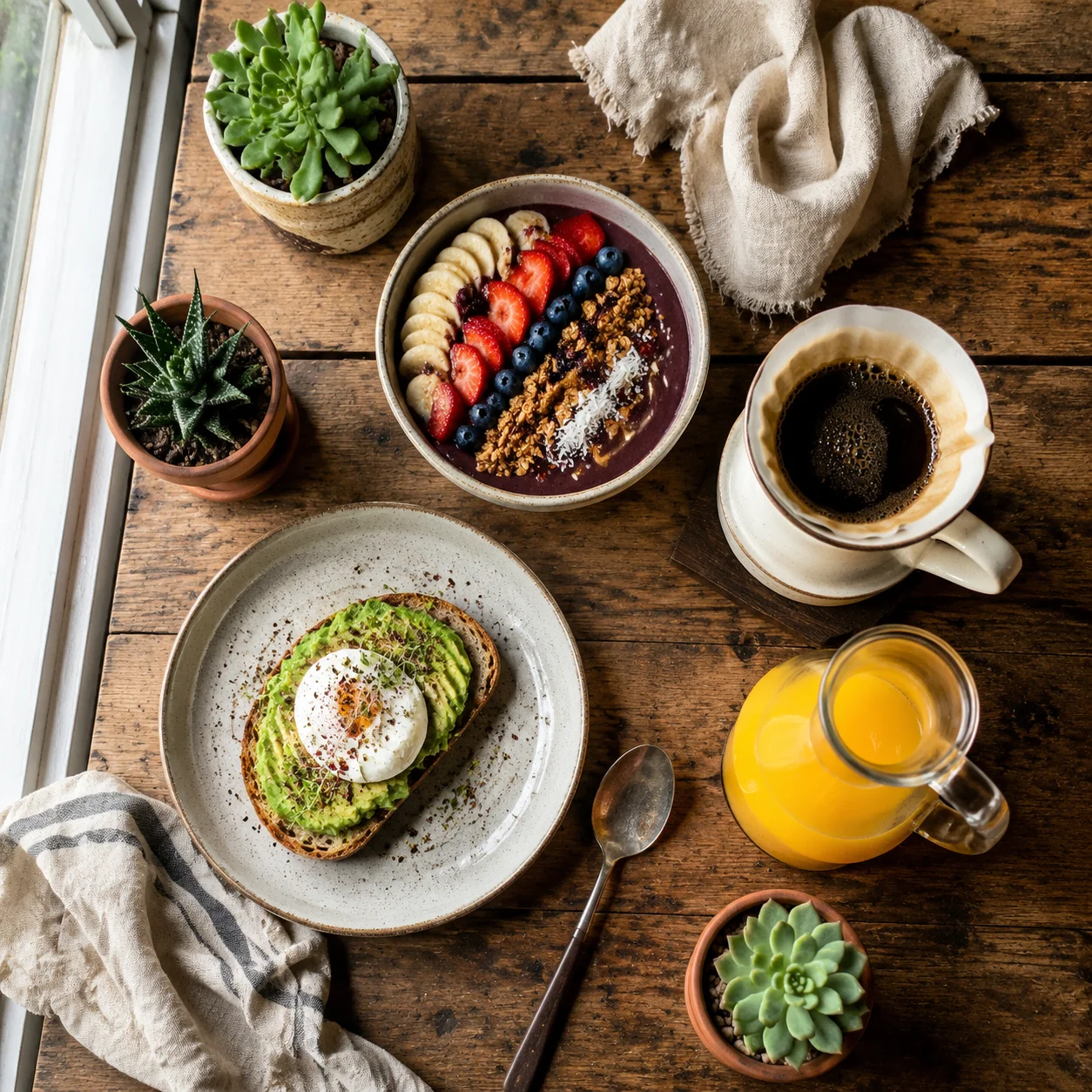
Build a lifestyle around the object
A breakfast flat lay uses linen, coffee and small dishes to create context.
What to put in the prompt
Choose a few accessories that explain use without hiding the featured item.
- Compare the generated item with the actual product.
- Inspect fine labels, contact shadows and reflections.
Review contact and shadows
Look for a believable support surface and consistent shadow. Check reflections for duplicated objects or impossible geometry.
Check the material treatment
Review whether glass, metal or ceramic still looks like the original finish. A glossy effect should not conceal a changed shape.
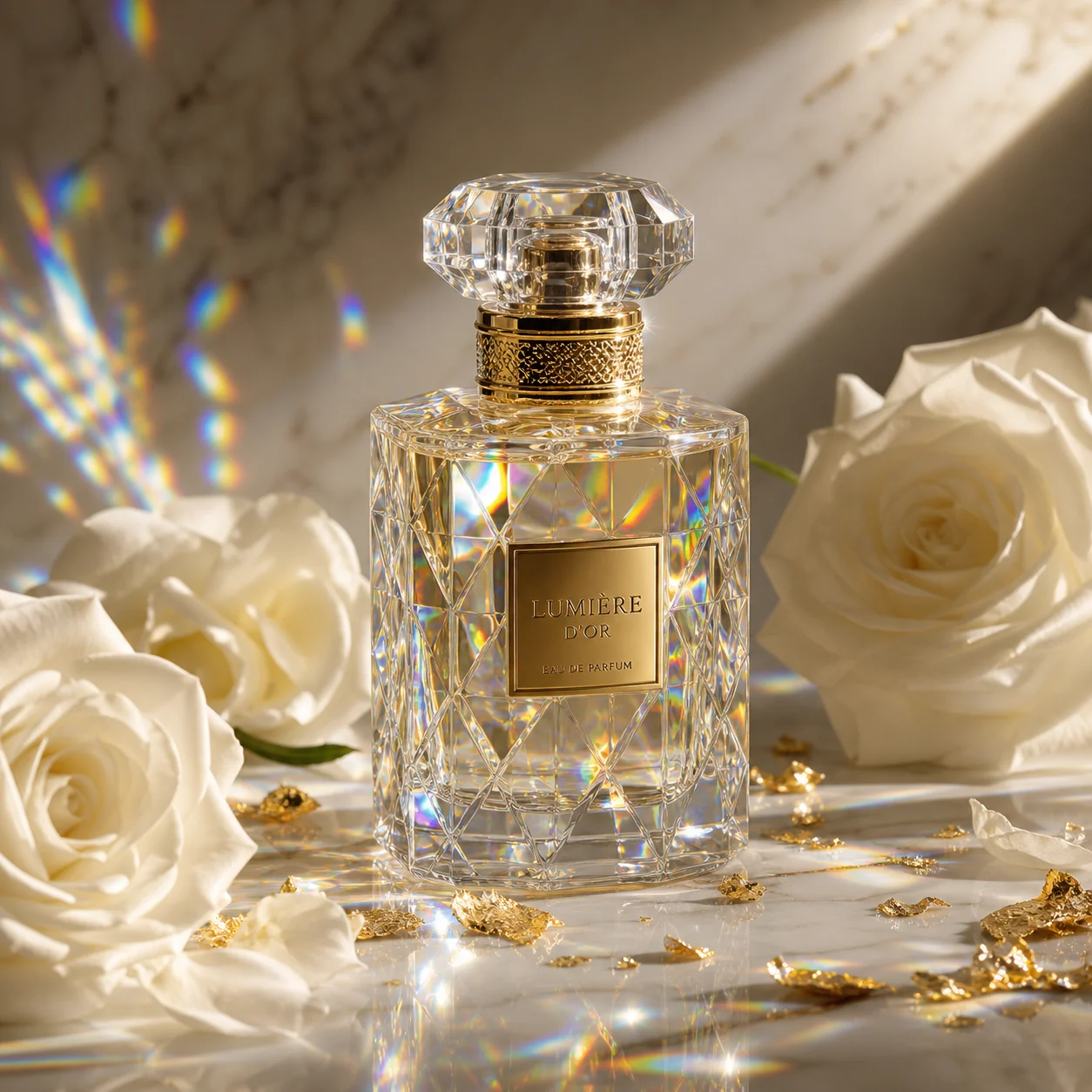
Keep the premium details in focus
Glass perfume, ivory petals and fabric create a soft luxury mood.
What to put in the prompt
Inspect the cap, liquid and label against your own source before publishing.
- A generated scene is not product-performance evidence.
- Check the final crop in its real placement.
Check the destination crop
Review the image in its actual page, listing or advertisement placement. Keep important product information away from vulnerable edges.
Keep the source and brief
Retain the original file and selected output for comparison. Dedicated before-and-after product results are still missing from this showcase.
Example prompts
Product silhouette
Keep the reference product shape and angle. Place it on a pale stone table with soft surroundings, natural side light and realistic contact shadows; retain its label.
Scene direction
Keep the reference product shape and angle. Place it on a pale stone table with soft surroundings, natural side light and realistic contact shadows; retain its label. Focus: Scene direction. Keep the other requirements and prioritize this check.
4Carbon Pricing and Credit Plans
Subscriptions and one-time credits for AI image and video creation.
Cancel future renewals anytime
Lite
Save about 50%$0.025 /credit
$179.00 billed yearly · Save $179.80/year
600 credits/month
Video models


Image models
 GPT Image 2Fixed quote: 22 credits · Default settings
- GPT Image 2.5 FlareFixed quote: 4 credits · Default settings
- GPT Image 2.5 SunburstFixed quote: 4 credits · Default settings
 Nano Banana 2 LiteFixed quote: 5 credits · Default settings
- Nano Banana 2Fixed quote: 8 credits · Default settings
- Nano Banana ProFixed quote: 15 credits · Default settings
 Seedream V5Fixed quote: 14 credits · Default settings
- Seedream Pro LayerizeReserved credits: 119 credits · Default settings
 Grok Imagine ImageFixed quote: 4 credits · Default settings
- Image and video model access
- The same model and settings use the same credits across plans.
- Pay yearly. Credits arrive monthly and expire at each monthly window end. Unused credits do not roll over.
Standard
Save about 50%$0.017 /credit
$299.00 billed yearly · Save $299.80/year
1,500 credits/month
Video models
Image models
- GPT Image 2Fixed quote: 22 credits · Default settings
- GPT Image 2.5 FlareFixed quote: 4 credits · Default settings
- GPT Image 2.5 SunburstFixed quote: 4 credits · Default settings
- Nano Banana 2 LiteFixed quote: 5 credits · Default settings
- Nano Banana 2Fixed quote: 8 credits · Default settings
- Nano Banana ProFixed quote: 15 credits · Default settings
- Seedream V5Fixed quote: 14 credits · Default settings
- Seedream Pro LayerizeReserved credits: 119 credits · Default settings
- Grok Imagine ImageFixed quote: 4 credits · Default settings
- Image and video model access
- The same model and settings use the same credits across plans.
- Pay yearly. Credits arrive monthly and expire at each monthly window end. Unused credits do not roll over.
Pro
Save about 50%$0.014 /credit
$599.00 billed yearly · Save $599.80/year
3,600 credits/month
Video models
Image models
- GPT Image 2Fixed quote: 22 credits · Default settings
- GPT Image 2.5 FlareFixed quote: 4 credits · Default settings
- GPT Image 2.5 SunburstFixed quote: 4 credits · Default settings
- Nano Banana 2 LiteFixed quote: 5 credits · Default settings
- Nano Banana 2Fixed quote: 8 credits · Default settings
- Nano Banana ProFixed quote: 15 credits · Default settings
- Seedream V5Fixed quote: 14 credits · Default settings
- Seedream Pro LayerizeReserved credits: 119 credits · Default settings
- Grok Imagine ImageFixed quote: 4 credits · Default settings
- Image and video model access
- The same model and settings use the same credits across plans.
- Pay yearly. Credits arrive monthly and expire at each monthly window end. Unused credits do not roll over.
Max 1×
Save about 50%$0.012 /credit
$1,199.00 billed yearly · Save $1,199.80/year
8,000 credits/month
Video models
Image models
- GPT Image 2Fixed quote: 22 credits · Default settings
- GPT Image 2.5 FlareFixed quote: 4 credits · Default settings
- GPT Image 2.5 SunburstFixed quote: 4 credits · Default settings
- Nano Banana 2 LiteFixed quote: 5 credits · Default settings
- Nano Banana 2Fixed quote: 8 credits · Default settings
- Nano Banana ProFixed quote: 15 credits · Default settings
- Seedream V5Fixed quote: 14 credits · Default settings
- Seedream Pro LayerizeReserved credits: 119 credits · Default settings
- Grok Imagine ImageFixed quote: 4 credits · Default settings
- Image and video model access
- The same model and settings use the same credits across plans.
- Pay yearly. Credits arrive monthly and expire at each monthly window end. Unused credits do not roll over.
Payment and confirmation
Pricing is shown for reference. Online checkout is not available at launch.
Credits, cancellation and refunds
Pay yearly. Credits arrive monthly and expire at each monthly window end. Unused credits do not roll over.
Subscription credits expire at each paid monthly window end. Cancellation stops the next renewal; paid access continues to period end.
One-time credits are valid for 12 calendar months. A pack does not start a subscription.
Cancellation stops future renewals. Refunds are reviewed separately. Approved purchase reversals reduce only that purchase’s entitlements proportionally; used or reserved credits require review. Other purchases are unaffected.
Frequently asked questions
How should I prepare the source?+
Choose a clear subject, complete edges and deliberate framing. Leave space for movement or layout and retain the original.
Will the subject stay completely unchanged?+
No guarantee. Request preservation of shape, identity and marks, then compare every result with the source.
Will lettering and labels remain exact?+
No guarantee. Check every letter, number and mark; add critical typography in a separate editing step.
How do I request a new background?+
Describe the subject and angle to retain, then the new setting and light. Inspect edges, contact shadows and reflections.
How should I describe transparent products?+
Describe glass edges, liquid and background light, then inspect transmission and reflections in the actual result.
Explore the tools
Video Tools
Video Models
Image Tools
Image Models
Creative Tools
Create a setting for this product
Explore a serum in window light, a sneaker above water or jewelry against black glass. Bring your product photo and shape the lighting, surface and composition around it.