 4Carbon
From a sentence to a picture worth exploring
Build a moonlit character, a warm film portrait or a precise botanical study. Describe your subject, choose a visual direction and turn the idea into an image you can refine.
Fixed quote14 creditsImage size: Automatic (2K) · Output format: JPEG · Output images: 1
Cases and starting points
Sample Image
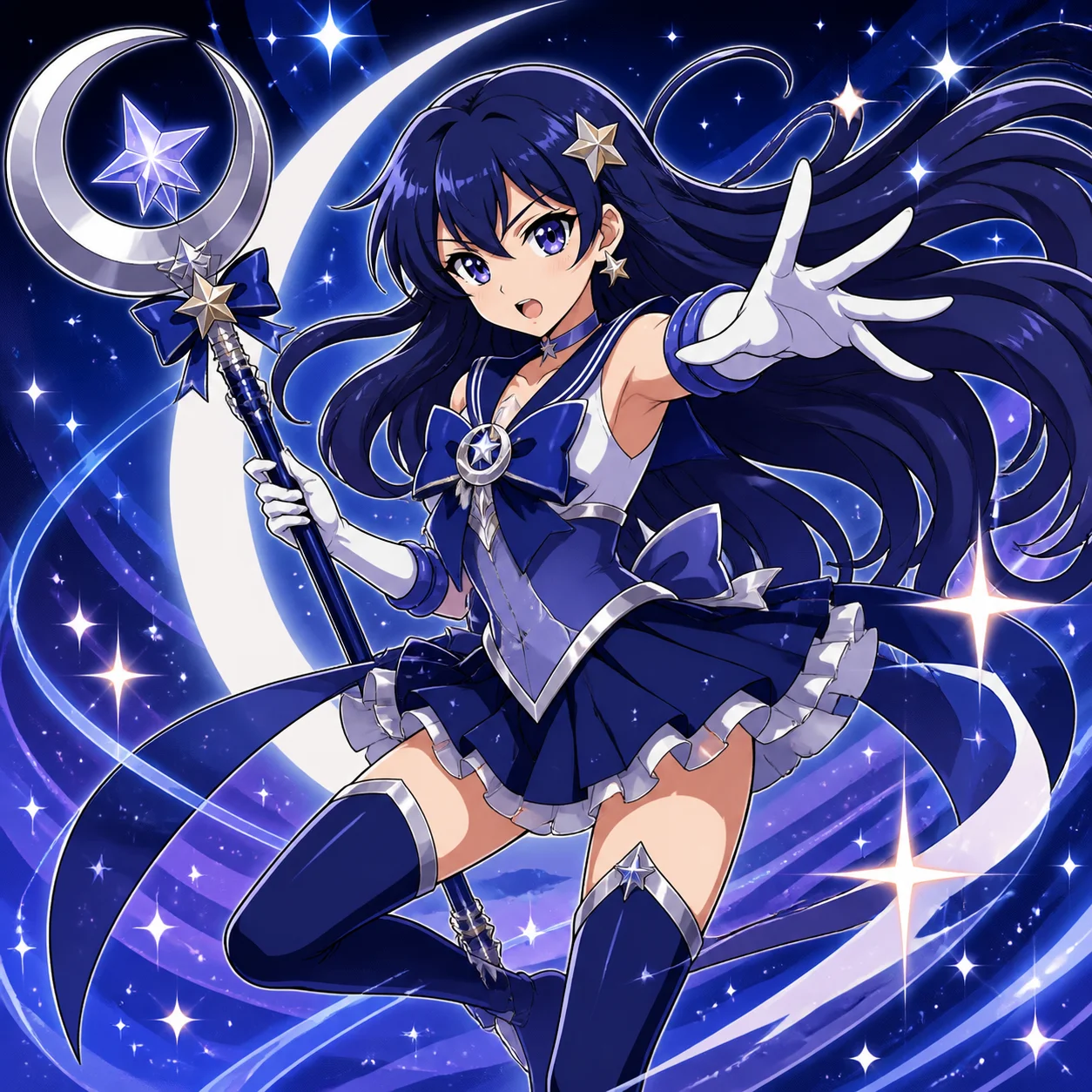
Moonlit character illustration
From a sentence to a picture worth exploring
Build a moonlit character, a warm film portrait or a precise botanical study. Describe your subject, choose a visual direction and turn the idea into an image you can refine.
How should I write the brief?
Name the subject, purpose and one visual priority. Add setting, light or action without conflicting instructions.
How do I choose an image model?
Compare compatible models, controls and quoted credits. Review the same brief before changing model.
Can I write in another language?
Yes. Describe the subject clearly and spell out any required lettering; inspect the actual result.
Text to image · Four steps
- STEP 1
Describe the subject and purpose
Select GPT Image 2 text mode for text to image, then name your main subject, action, and setting in one sentence.
- GPT Image 21:1 · 1KSTEP 2
Choose model, framing and quantity
Direct text to image with specific object counts, positions, and lighting, making foreground, subject, and background relationships easy to understand.
- STEP 3
Review credits and explicitly confirm
Start text to image at square 1K, choose your output count, review the displayed credits, and generate the first scene.
- STEP 4
Inspect details and download
Compare text to image results with your brief, checking composition and object relationships before changing one instruction and trying again.
Download ↓
Features
Give your character a stage
Blue ribbons, a crescent staff and a star-filled sky turn a character brief into a readable illustrated scene.
What to put in the prompt
Separate the pose from the surrounding effects.
- Keep the arrangement small enough to count.
- Correct the object relationship that failed.
Name objects directly
Repeat a short object name when a pronoun could refer to several things. State which object is behind, beside or inside another.
Keep interactions plausible
Explain the contact between objects: a cup on a table or a hand holding a handle. Inspect contact points and overlapping edges.
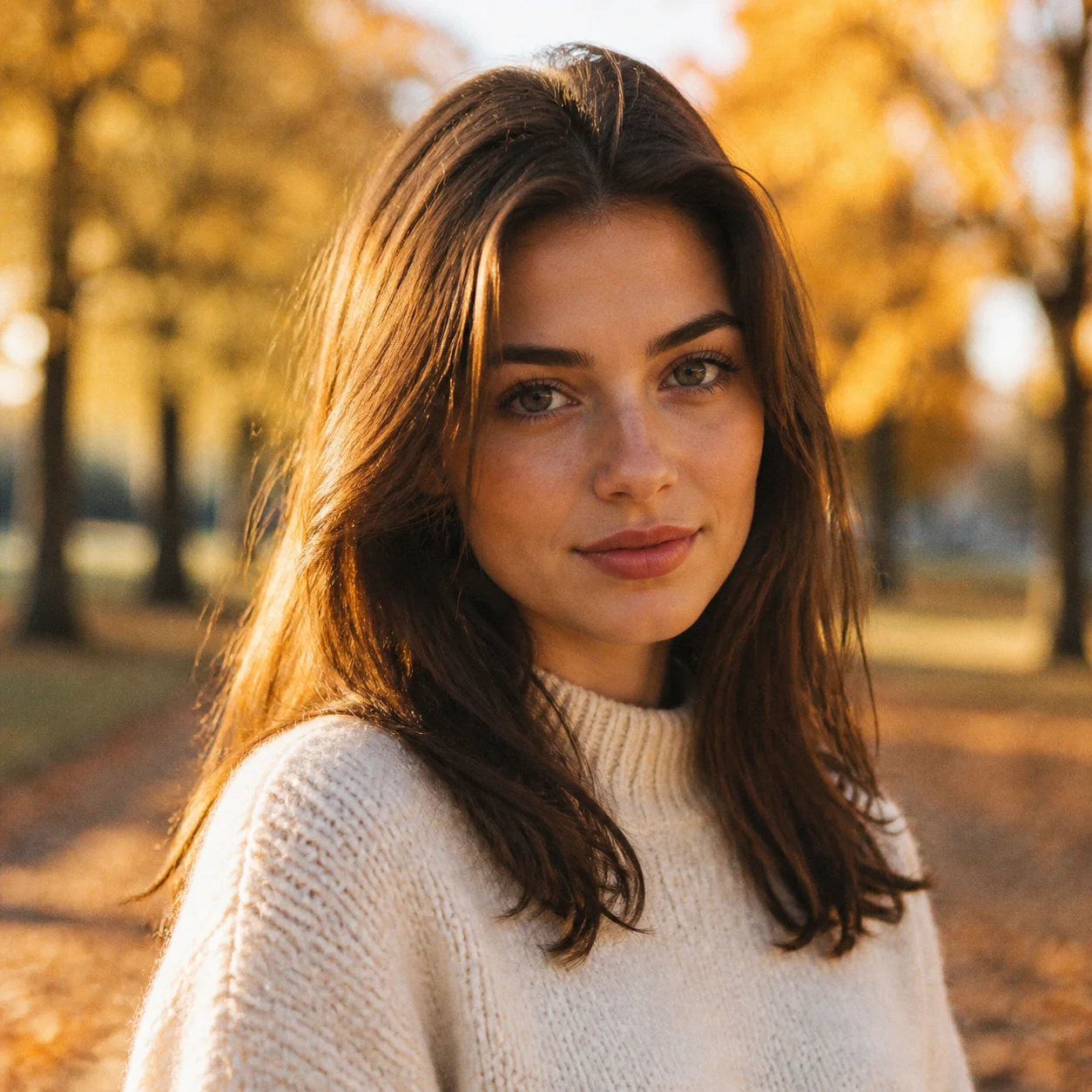
Find the light that sets the mood
The autumn portrait uses warm light around the hair and a quiet background.
What to put in the prompt
Start with the direction of light rather than a long list of camera terms.
- Choose distance before decorative detail.
- Leave deliberate space for the final layout.
Separate the visual planes
Place the main subject, foreground and background deliberately. Describe their relative positions so the image has a readable sense of depth.
Reserve room for the final layout
Leave clear space where a headline or interface will sit. Add exact production text in an editor when accurate lettering is essential.
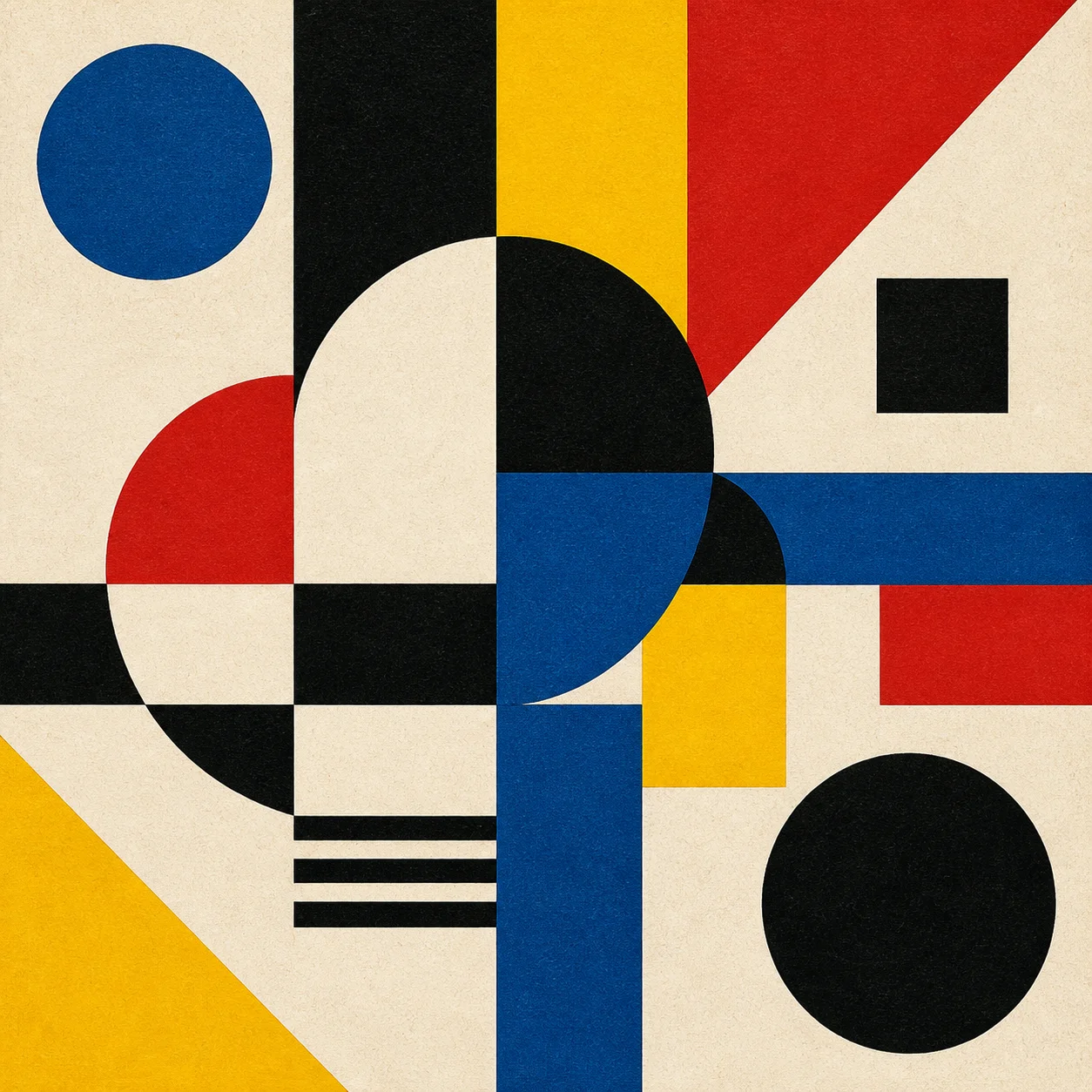
Make simple shapes feel intentional
Cream, red, blue and yellow shapes show how a small palette and a clear grid can carry a whole composition.
What to put in the prompt
Cream, red, blue and yellow shapes show how a small palette and a clear grid can carry a whole composition.
- Use one coherent lighting direction.
- Inspect each surface at full size.
Distinguish the surfaces
Glass, brushed metal and fabric respond differently to light. Name the finish instead of asking every surface to look shiny.
Keep the treatment coherent
Use a small set of color and texture instructions. Check whether the background supports the subject rather than competing with it.
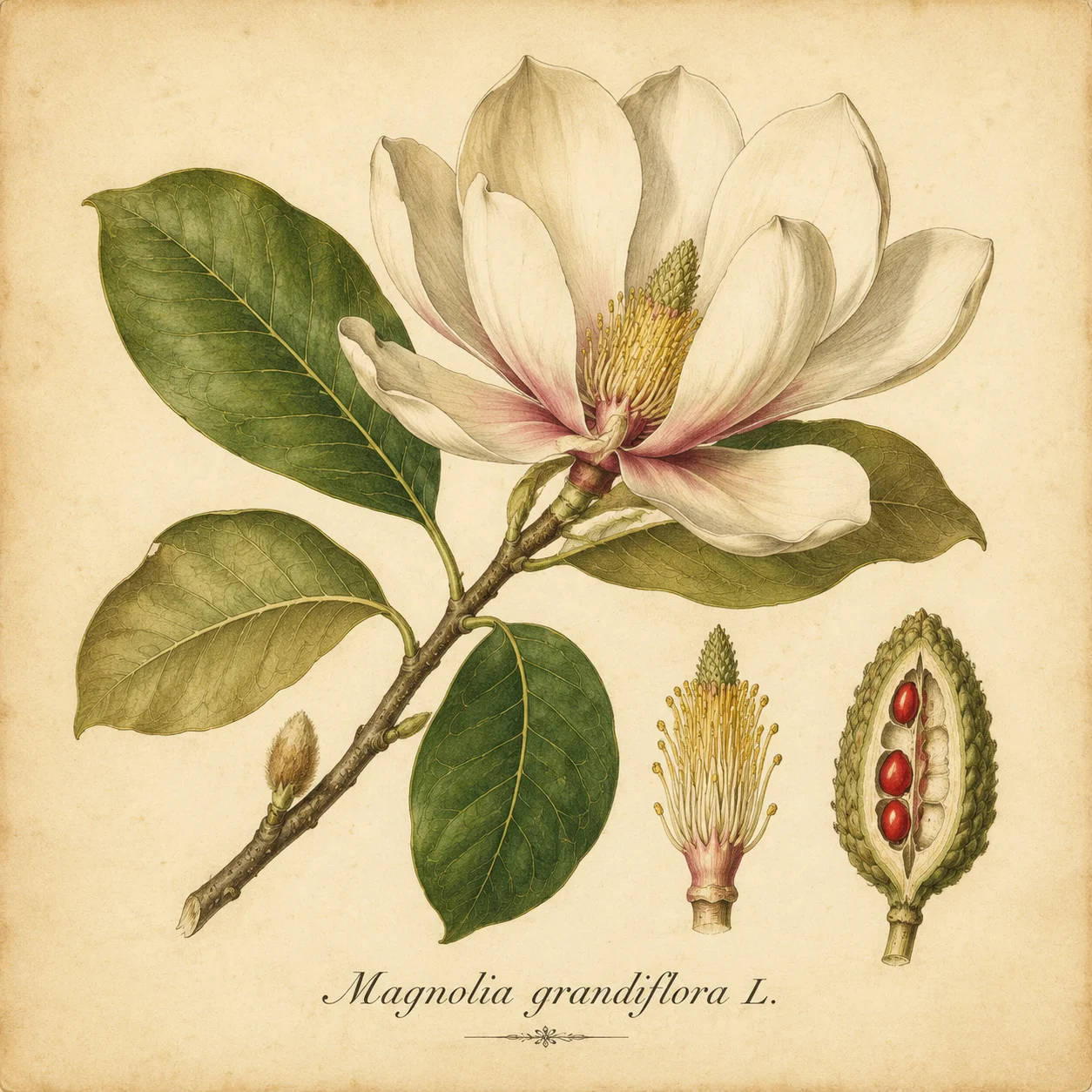
Move from atmosphere to fine detail
A magnolia study asks for petal edges, leaf veins and a paper surface.
What to put in the prompt
Name the details that deserve the closest inspection.
Check the selected configuration
Choose the available model, size, quality and output count. The workspace and confirmation use the same parameter-based credit quote.
Revise one instruction at a time
If framing works but lighting does not, revise the lighting. Keep the useful parts of the prompt so comparisons remain meaningful.
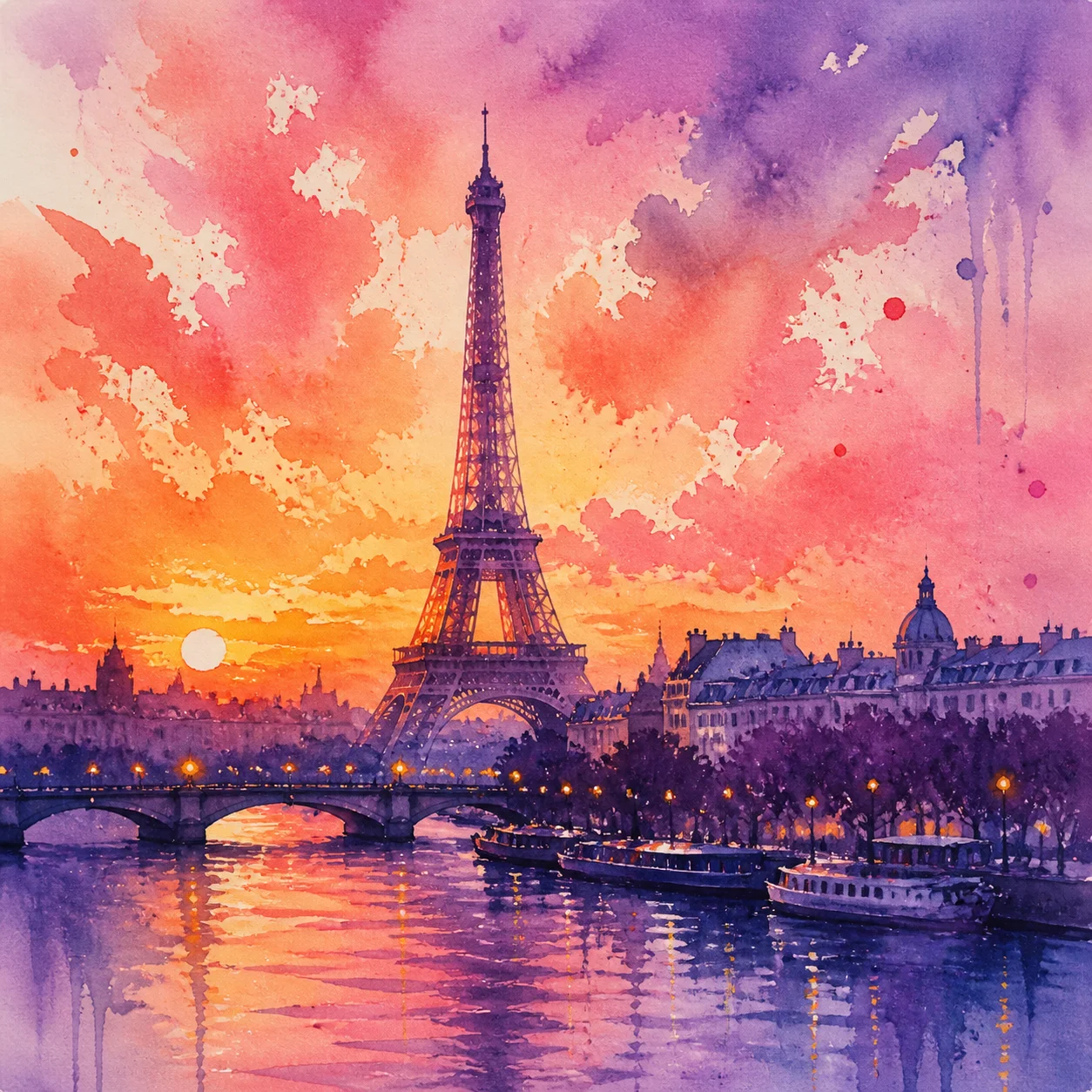
Explore another medium
The Paris scene replaces photographic edges with watercolor washes.
What to put in the prompt
Keep the landmark and change the treatment to explore a different visual voice.
Inspect small details
Review hands, repeated patterns, edges and any lettering at full size. Download the original result for a closer check.
Use a reference when identity matters
Move to image-to-image for a specific source object or composition. A text description alone does not guarantee an exact product or face.
Example prompts
Subject and setting
An unbranded terracotta teapot on a pale cream background, soft side light, complete spout and handle, clean product photography, no text.
Woodland cottage
An orange cottage at a forest edge, watercolor illustration, clear foreground branches and distant mountains, no lettering.
4Carbon Pricing and Credit Plans
Subscriptions and one-time credits for AI image and video creation.
Cancel future renewals anytime
Lite
Save about 50%$0.025 /credit
$179.00 billed yearly · Save $179.80/year
600 credits/month
Video models


Image models
 GPT Image 2Fixed quote: 22 credits · Default settings
- GPT Image 2.5 FlareFixed quote: 4 credits · Default settings
- GPT Image 2.5 SunburstFixed quote: 4 credits · Default settings
 Nano Banana 2 LiteFixed quote: 5 credits · Default settings
- Nano Banana 2Fixed quote: 8 credits · Default settings
- Nano Banana ProFixed quote: 15 credits · Default settings
 Seedream V5Fixed quote: 14 credits · Default settings
- Seedream Pro LayerizeReserved credits: 119 credits · Default settings
 Grok Imagine ImageFixed quote: 4 credits · Default settings
- Image and video model access
- The same model and settings use the same credits across plans.
- Pay yearly. Credits arrive monthly and expire at each monthly window end. Unused credits do not roll over.
Standard
Save about 50%$0.017 /credit
$299.00 billed yearly · Save $299.80/year
1,500 credits/month
Video models
Image models
- GPT Image 2Fixed quote: 22 credits · Default settings
- GPT Image 2.5 FlareFixed quote: 4 credits · Default settings
- GPT Image 2.5 SunburstFixed quote: 4 credits · Default settings
- Nano Banana 2 LiteFixed quote: 5 credits · Default settings
- Nano Banana 2Fixed quote: 8 credits · Default settings
- Nano Banana ProFixed quote: 15 credits · Default settings
- Seedream V5Fixed quote: 14 credits · Default settings
- Seedream Pro LayerizeReserved credits: 119 credits · Default settings
- Grok Imagine ImageFixed quote: 4 credits · Default settings
- Image and video model access
- The same model and settings use the same credits across plans.
- Pay yearly. Credits arrive monthly and expire at each monthly window end. Unused credits do not roll over.
Pro
Save about 50%$0.014 /credit
$599.00 billed yearly · Save $599.80/year
3,600 credits/month
Video models
Image models
- GPT Image 2Fixed quote: 22 credits · Default settings
- GPT Image 2.5 FlareFixed quote: 4 credits · Default settings
- GPT Image 2.5 SunburstFixed quote: 4 credits · Default settings
- Nano Banana 2 LiteFixed quote: 5 credits · Default settings
- Nano Banana 2Fixed quote: 8 credits · Default settings
- Nano Banana ProFixed quote: 15 credits · Default settings
- Seedream V5Fixed quote: 14 credits · Default settings
- Seedream Pro LayerizeReserved credits: 119 credits · Default settings
- Grok Imagine ImageFixed quote: 4 credits · Default settings
- Image and video model access
- The same model and settings use the same credits across plans.
- Pay yearly. Credits arrive monthly and expire at each monthly window end. Unused credits do not roll over.
Max 1×
Save about 50%$0.012 /credit
$1,199.00 billed yearly · Save $1,199.80/year
8,000 credits/month
Video models
Image models
- GPT Image 2Fixed quote: 22 credits · Default settings
- GPT Image 2.5 FlareFixed quote: 4 credits · Default settings
- GPT Image 2.5 SunburstFixed quote: 4 credits · Default settings
- Nano Banana 2 LiteFixed quote: 5 credits · Default settings
- Nano Banana 2Fixed quote: 8 credits · Default settings
- Nano Banana ProFixed quote: 15 credits · Default settings
- Seedream V5Fixed quote: 14 credits · Default settings
- Seedream Pro LayerizeReserved credits: 119 credits · Default settings
- Grok Imagine ImageFixed quote: 4 credits · Default settings
- Image and video model access
- The same model and settings use the same credits across plans.
- Pay yearly. Credits arrive monthly and expire at each monthly window end. Unused credits do not roll over.
Payment and confirmation
Pricing is shown for reference. Online checkout is not available at launch.
Credits, cancellation and refunds
Pay yearly. Credits arrive monthly and expire at each monthly window end. Unused credits do not roll over.
Subscription credits expire at each paid monthly window end. Cancellation stops the next renewal; paid access continues to period end.
One-time credits are valid for 12 calendar months. A pack does not start a subscription.
Cancellation stops future renewals. Refunds are reviewed separately. Approved purchase reversals reduce only that purchase’s entitlements proportionally; used or reserved credits require review. Other purchases are unaffected.
Frequently asked questions
How should I write the brief?+
Name the subject, purpose and one visual priority. Add setting, light or action without conflicting instructions.
How do I choose an image model?+
Compare compatible models, controls and quoted credits. Review the same brief before changing model.
Can I write in another language?+
Yes. Describe the subject clearly and spell out any required lettering; inspect the actual result.
How is the aspect ratio chosen?+
Text generation uses supported ratio controls. Reference workflows also depend on source framing; some video models inherit its proportions.
Is higher resolution always better?+
It affects detail, file size and credits, and can expose existing mistakes. Choose for the intended use.
Explore the tools
Video Tools
Video Models
Image Tools
Image Models
Creative Tools
Generate your first image
Build a moonlit character, a warm film portrait or a precise botanical study. Describe your subject, choose a visual direction and turn the idea into an image you can refine.