 4Carbon
Turn a brand idea into a mark you can refine
Explore a wordmark, a compact symbol or a combination of the two. Describe your name, audience and one visual idea, then compare the shape at real header and avatar sizes.
Fixed quote22 creditsResolution: 1K · Background: Automatic · Image size: Square HD · Quality: High · Output format: PNG · Output images: 1
This preset uses the fixed credit quote shown. Auto is also quoted in advance. Prompt complexity and token usage do not add a charge after confirmation.
Cases and starting points
Sample Image
Turn a brand idea into a mark you can refine
Explore a wordmark, a compact symbol or a combination of the two. Describe your name, audience and one visual idea, then compare the shape at real header and avatar sizes.
How should I write the brief?
Name the subject, purpose and one visual priority. Add setting, light or action without conflicting instructions.
What belongs in a brand brief?
Include industry, personality, name and intended placement, then choose a graphic direction and palette.
Will lettering and labels remain exact?
No guarantee. Check every letter, number and mark; add critical typography in a separate editing step.

Logo concepts · Four steps
- STEP 1
Write the brand name and character
Select GPT Image 2 text mode in the AI logo generator, then describe your audience, brand idea, and one visual connection.
- GPT Image 21:1 · 1KSTEP 2
Choose a symbol direction and palette
Ask the AI logo generator for a recognizable silhouette, restrained palette, and plain background without relying on decorative presentation mockups.
- STEP 3
Generate and compare candidates
Begin the AI logo generator at square 1K, review the displayed credits, and generate a focused raster concept for comparison.
- STEP 4
Inspect lettering and small-size clarity
Inspect AI logo generator results in small and monochrome previews, then download the JPEG concept for further design refinement.
Download ↓
Features

Start with a recognizable silhouette
Explore a visual direction before treating an image as finished brand artwork.
Check the outer contour
Ask for a simple, distinct shape that reads without a complex background. Inspect whether it remains recognizable at a glance.
- Judge the symbol without its mockup.
- Check whether the silhouette works in one color.
Use negative space deliberately
Describe the empty areas that give the symbol its structure. Avoid filling every gap with decorative detail.
Review a single-color direction
Consider whether the mark still works without gradients or lighting effects. A polished mockup can hide a weak basic shape.
Handle the name as a separate design decision
Generated lettering must be checked character by character.
Choose the main element
Decide whether the symbol or name should dominate. Keep the hierarchy clear instead of requesting several competing marks.
- Read the name character by character.
- Treat final typesetting as a production step.
Verify every letter
Compare the spelling against the intended name at full size. Do not approve invented or malformed text because the image looks professional.
Inspect spacing and alignment
Check the gap between letters and the relationship of wordmark to symbol. Final typesetting may require a separate editor.
Test the concept at small sizes
A logo needs to work beyond a large presentation image.
Reduce the design
View the concept near its intended avatar, favicon or header size. Thin lines and tiny details can disappear.
- Reduce the concept to its real display size.
- Check both light and dark backgrounds.
Check light and dark backgrounds
Inspect contrast on both kinds of background. A result shown on one colored canvas does not prove transparent or reversible artwork.
Separate the mark from the mockup
Judge the actual symbol without the scene around it. A storefront or stationery mockup is not an editable production logo.
Refine one direction at a time
Keep the selected idea stable while correcting a specific weakness.
Begin with a useful canvas
Choose a supported size and composition suitable for reviewing the symbol. Confirm the current model and quote before generating.
- Keep the selected direction stable while refining.
- Compare one silhouette, weight or spacing change at a time.
Change one variable
Revise the silhouette, line weight or spacing separately. Clear comparisons are more useful than unrelated variations.
Use an approved reference
If you have an authorized brand reference, switch to image-led editing when appropriate. Do not assume a reference guarantees exact reproduction.
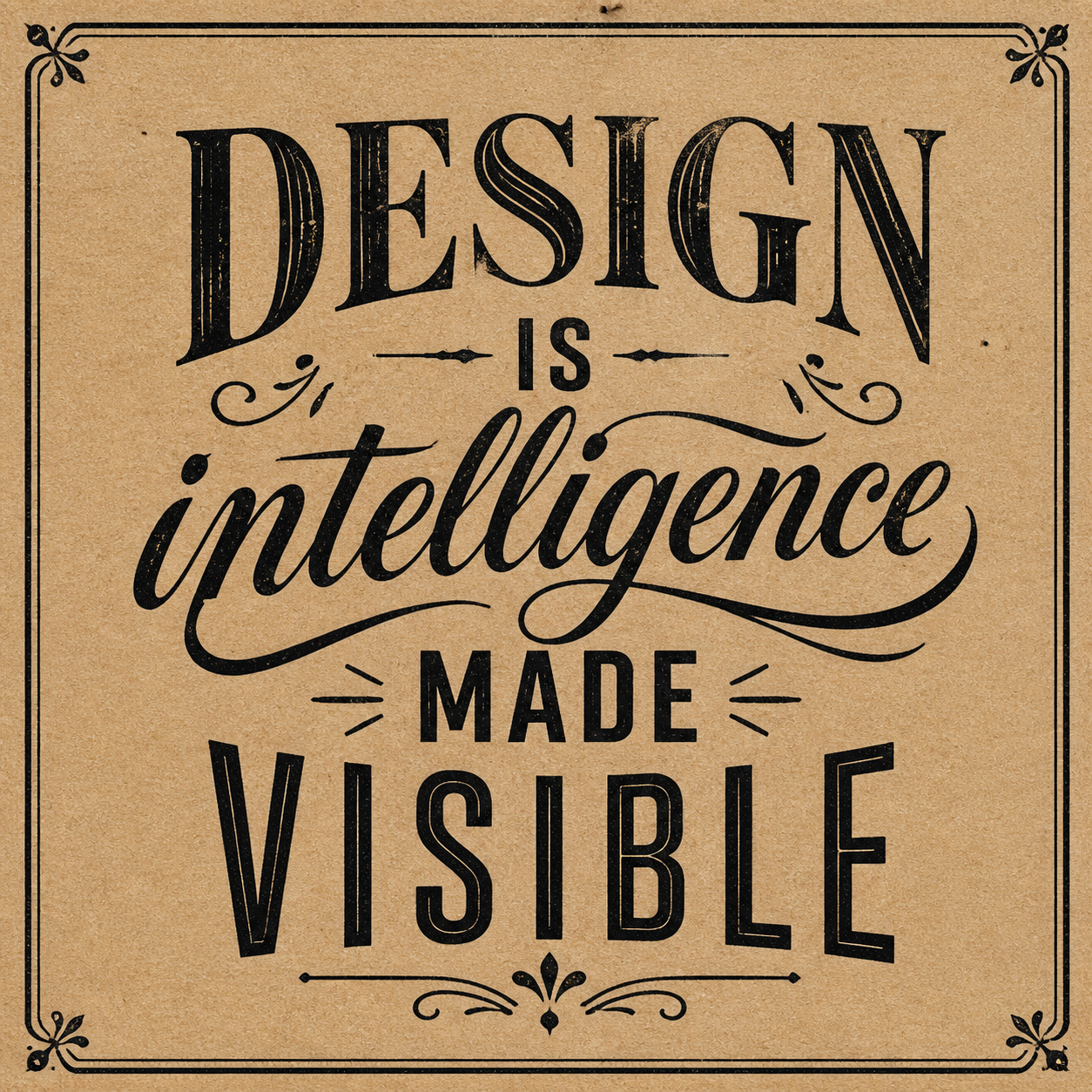
Prepare the concept for production review
An image-generation result is a starting point for brand work.
Record the selected direction
Keep the prompt, output and reasons for selection together. The page currently has no dedicated finished logo showcase to present as evidence.
- Keep the selected concept and its brief together.
- Prepare editable production artwork separately.
Complete the production artwork separately
Vector paths, editable type and production files require the appropriate design workflow. This workspace does not promise those deliverables.
Review the name and resemblance
Check the intended name and whether the concept resembles an existing identity. Visual approval does not replace a brand review.
Example prompts
Graphic direction
A simple symbol for a fictional pottery studio, warm terracotta palette, clear outline and negative space, no text, without imitating an existing brand.
Repair workshop
A monochrome mark for a fictional neighborhood repair workshop: one open loop suggesting joining and repair, navy on ivory, no lettering, tool silhouettes or gradients.
4Carbon Pricing and Credit Plans
Subscriptions and one-time credits for AI image and video creation.
Cancel future renewals anytime
Lite
Save about 50%$0.025 /credit
$179.00 billed yearly · Save $179.80/year
600 credits/month
Video models


Image models
 GPT Image 2Fixed quote: 22 credits · Default settings
- GPT Image 2.5 FlareFixed quote: 4 credits · Default settings
- GPT Image 2.5 SunburstFixed quote: 4 credits · Default settings
 Nano Banana 2 LiteFixed quote: 5 credits · Default settings
- Nano Banana 2Fixed quote: 8 credits · Default settings
- Nano Banana ProFixed quote: 15 credits · Default settings
 Seedream V5Fixed quote: 14 credits · Default settings
- Seedream Pro LayerizeReserved credits: 119 credits · Default settings
 Grok Imagine ImageFixed quote: 4 credits · Default settings
- Image and video model access
- The same model and settings use the same credits across plans.
- Pay yearly. Credits arrive monthly and expire at each monthly window end. Unused credits do not roll over.
Standard
Save about 50%$0.017 /credit
$299.00 billed yearly · Save $299.80/year
1,500 credits/month
Video models
Image models
- GPT Image 2Fixed quote: 22 credits · Default settings
- GPT Image 2.5 FlareFixed quote: 4 credits · Default settings
- GPT Image 2.5 SunburstFixed quote: 4 credits · Default settings
- Nano Banana 2 LiteFixed quote: 5 credits · Default settings
- Nano Banana 2Fixed quote: 8 credits · Default settings
- Nano Banana ProFixed quote: 15 credits · Default settings
- Seedream V5Fixed quote: 14 credits · Default settings
- Seedream Pro LayerizeReserved credits: 119 credits · Default settings
- Grok Imagine ImageFixed quote: 4 credits · Default settings
- Image and video model access
- The same model and settings use the same credits across plans.
- Pay yearly. Credits arrive monthly and expire at each monthly window end. Unused credits do not roll over.
Pro
Save about 50%$0.014 /credit
$599.00 billed yearly · Save $599.80/year
3,600 credits/month
Video models
Image models
- GPT Image 2Fixed quote: 22 credits · Default settings
- GPT Image 2.5 FlareFixed quote: 4 credits · Default settings
- GPT Image 2.5 SunburstFixed quote: 4 credits · Default settings
- Nano Banana 2 LiteFixed quote: 5 credits · Default settings
- Nano Banana 2Fixed quote: 8 credits · Default settings
- Nano Banana ProFixed quote: 15 credits · Default settings
- Seedream V5Fixed quote: 14 credits · Default settings
- Seedream Pro LayerizeReserved credits: 119 credits · Default settings
- Grok Imagine ImageFixed quote: 4 credits · Default settings
- Image and video model access
- The same model and settings use the same credits across plans.
- Pay yearly. Credits arrive monthly and expire at each monthly window end. Unused credits do not roll over.
Max 1×
Save about 50%$0.012 /credit
$1,199.00 billed yearly · Save $1,199.80/year
8,000 credits/month
Video models
Image models
- GPT Image 2Fixed quote: 22 credits · Default settings
- GPT Image 2.5 FlareFixed quote: 4 credits · Default settings
- GPT Image 2.5 SunburstFixed quote: 4 credits · Default settings
- Nano Banana 2 LiteFixed quote: 5 credits · Default settings
- Nano Banana 2Fixed quote: 8 credits · Default settings
- Nano Banana ProFixed quote: 15 credits · Default settings
- Seedream V5Fixed quote: 14 credits · Default settings
- Seedream Pro LayerizeReserved credits: 119 credits · Default settings
- Grok Imagine ImageFixed quote: 4 credits · Default settings
- Image and video model access
- The same model and settings use the same credits across plans.
- Pay yearly. Credits arrive monthly and expire at each monthly window end. Unused credits do not roll over.
Payment and confirmation
Pricing is shown for reference. Online checkout is not available at launch.
Credits, cancellation and refunds
Pay yearly. Credits arrive monthly and expire at each monthly window end. Unused credits do not roll over.
Subscription credits expire at each paid monthly window end. Cancellation stops the next renewal; paid access continues to period end.
One-time credits are valid for 12 calendar months. A pack does not start a subscription.
Cancellation stops future renewals. Refunds are reviewed separately. Approved purchase reversals reduce only that purchase’s entitlements proportionally; used or reserved credits require review. Other purchases are unaffected.
Frequently asked questions
How should I write the brief?+
Name the subject, purpose and one visual priority. Add setting, light or action without conflicting instructions.
What belongs in a brand brief?+
Include industry, personality, name and intended placement, then choose a graphic direction and palette.
Will lettering and labels remain exact?+
No guarantee. Check every letter, number and mark; add critical typography in a separate editing step.
Can I explore a symbol without text?+
Request a symbol-only direction and inspect the outline, negative space and small-size recognition.
How do I assess a monochrome logo?+
Request black-and-white or single-color directions and inspect small outlines. Color variants are not a complete brand system.
Explore the tools
Video Tools
Video Models
Image Tools
Image Models
Creative Tools
Explore your brand-mark direction
Explore a wordmark, a compact symbol or a combination of the two. Describe your name, audience and one visual idea, then compare the shape at real header and avatar sizes.