 4Carbon
A portrait that delivers your recording
Pair a clear portrait with a finished voice recording. Preview the speaking result, check facial movement and listen through the complete message before downloading.
Upload 2 reference images to reproduce this quote. No files were transferred by this link.
Cases and starting points
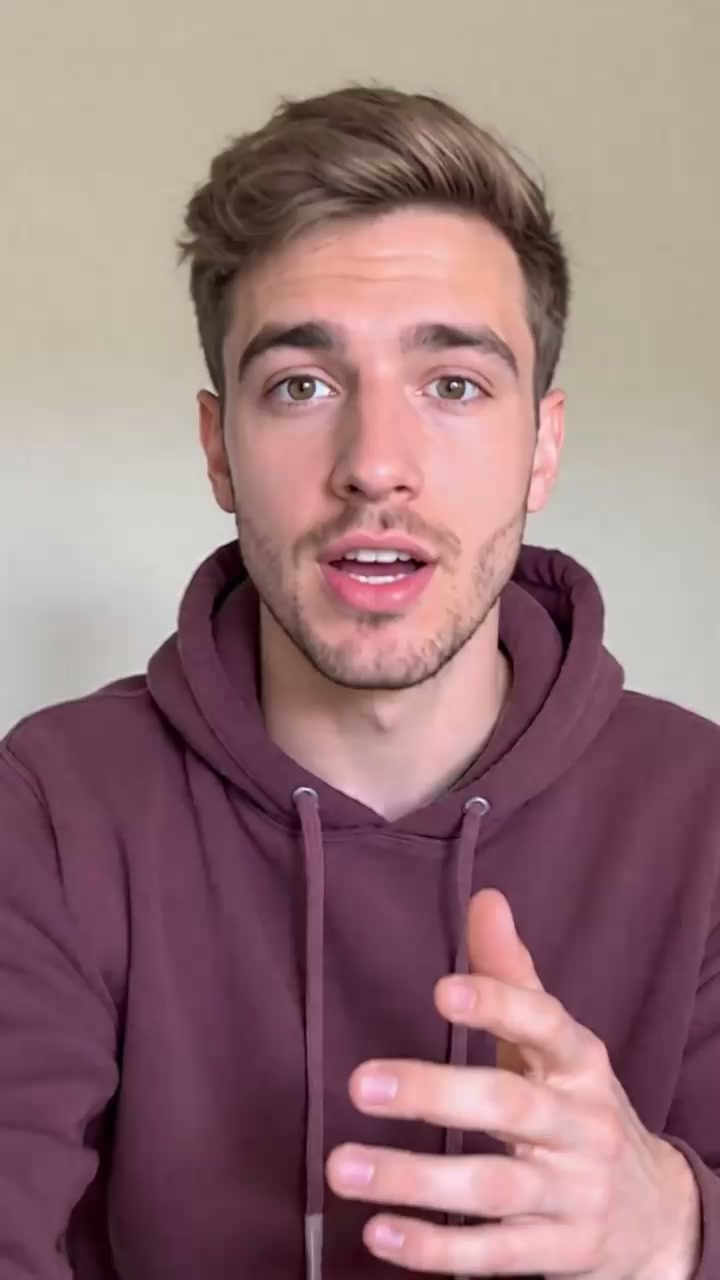
View prompt
Prepare the adult man’s authorized portrait image and the provided recording of the same man speaking. Use one WAV or M4A file shorter than thirty seconds, with clear speech and a complete ending. Load the image and audio, then review the generated speaking portrait for recognizable features, natural articulation, comfortable framing, and the full recorded message.
A portrait that delivers your recording
Pair a clear portrait with a finished voice recording. Preview the speaking result, check facial movement and listen through the complete message before downloading.
Portrait input
Use one clear, authorized portrait with a visible face.
Recorded speech
The recording supplies the spoken words. No text prompt or text-to-speech field is required.
Audio formats
Use WAV or M4A, up to 10 MB per file.
Talking photo · Four steps
- Reference inputSTEP 1

Choose a clear portrait
Upload one clear authorized portrait for AI Talking Photo, keeping the face visible and leaving comfortable space around the head and shoulders.
- Sync Talking PhotoSTEP 2Duration follows audio
Add the finished recording
Provide AI Talking Photo with one finished WAV or M4A recording shorter than thirty seconds, with clear speech and natural pauses.
- STEP 3

0s 
2.8s 
5s Review duration and credits
Select Sync Talking Photo, review the AI Talking Photo Create quote for the loaded recording, and generate without entering a text prompt.
- STEP 4
Reference input Watch with sound and download
Review AI Talking Photo articulation, facial appearance, and the complete audio-length message before downloading the approved version for your intended layout.
Download ↓
Features
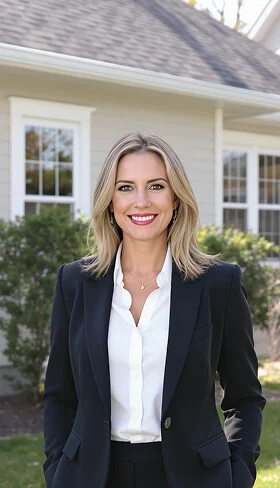
Prepare an AI Talking Photo image with a readable face
Choose the image for the speaking task, not just for its photographic drama. AI Talking Photo needs a face that remains easy to inspect in the intended layout.
Keep facial features visible
A mostly forward-facing portrait with clear eyes and mouth gives you a useful basis for review. Avoid choosing an AI Talking Photo source where the lips are hidden by a hand, hair, or an object. Strong shadow can also obscure details you need to judge.
- Choose one clear subject rather than a busy group portrait.
- Keep the AI Talking Photo source visible beside the generated result.
Leave space around the head
A very tight crop can make animated movement feel cramped. Leave natural room above the hair and around the shoulders when preparing AI Talking Photo. Check the source inside the planned layout, especially if a circular frame or a narrow card will be used later.
Prefer believable source detail
Choose readable facial detail rather than a heavily filtered portrait. AI Talking Photo does not establish missing information as factual. A clear source helps you judge whether the animated face remains recognizable instead of merely looking smooth.
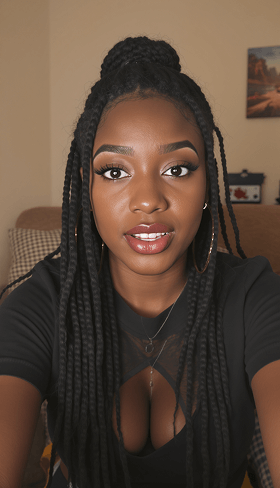
Give AI Talking Photo a finished audio take
The recording supplies the actual speech. Prepare AI Talking Photo audio before uploading, with the intended wording, tone, and pauses already present in the file.
Speak at a comfortable pace
Record one concise message with enough space between phrases to sound natural. For AI Talking Photo, a rushed take can make the presentation harder to follow even if the words are audible. Listen once without looking at any image to judge the recording on its own.
- Use a supported WAV or M4A recording below thirty seconds.
- Keep AI Talking Photo speech clear of competing voices and loud background music.
Keep the beginning and ending intact
Avoid cutting away the first sound of a word or ending immediately before a final consonant. Prepare AI Talking Photo audio with a complete opening and a natural finish. Short pauses can support the message, while unnecessary silence consumes time without adding useful content.
Choose the final recording before processing
Make wording changes in your own recording workflow, then upload the chosen take. AI Talking Photo does not offer a typed script or a voice selector for revising the speech. The file you provide should already express the message you want the portrait to deliver.
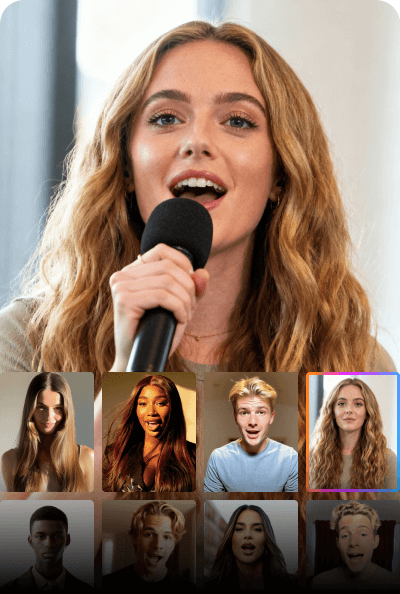
Plan AI Talking Photo framing for its destination
A speaking portrait needs an appropriate place to appear. Design the AI Talking Photo composition around the audience’s viewing size and the information surrounding the face.
Keep the face large enough
A portrait placed too small in a busy layout can lose its expressive value. Preview the AI Talking Photo source at its intended display size. The eyes and mouth should remain readable without forcing the viewer to ignore the rest of a presentation or page.
- Reserve clear space for any title you will add separately.
- Check AI Talking Photo framing before committing to the source crop.
Use a background that supports speech
A quieter background keeps attention on the face and recording. Choose an AI Talking Photo image whose surroundings suit the message without implying an unrelated workplace or event. Since there is no scene prompt here, make necessary source-image changes before beginning the speaking-photo workflow.
Do not build the task around body choreography
This workflow uses an image and recorded speech, not typed gestures or camera directions. Choose an AI Talking Photo source that works as a speaking portrait. Avoid making complex hand choreography essential to the message.
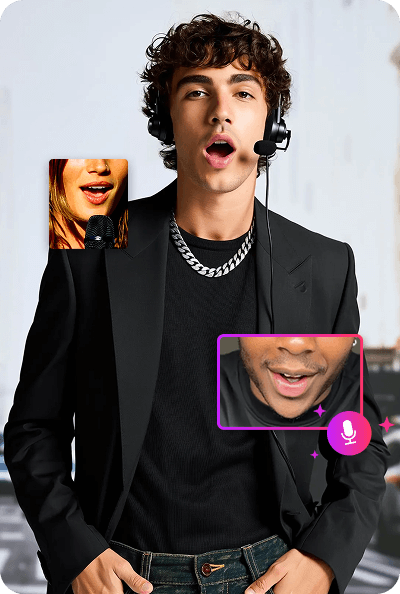
Run AI Talking Photo from the prepared materials
The AI Talking Photo task is file-driven. Check the selected image and audio together before starting, then review the current quote for the actual recording.
Load the intended pair
Select Sync Talking Photo and load the final portrait and approved recording. Preview both AI Talking Photo inputs before submitting. Similar filenames do not prove that you selected the intended crop or the correct audio take.
Let the recording determine the duration
The generated AI Talking Photo video follows the audio length. Keep the recording below thirty seconds and make the closing phrase complete. A short welcome does not need extra silence just to reach a particular duration, and the output is not an unlimited speaking session.
Read the quote after loading audio
Duration affects the task cost, so check Create with the actual AI Talking Photo materials in place. Example cards provide material preparation ideas, not text commands for the model. Changing the recording means reviewing its content, duration, and quote before another submission.
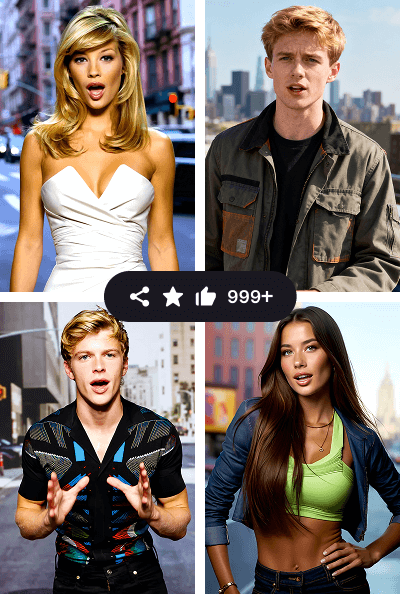
Review AI Talking Photo expression and articulation
Watch the complete message with sound. AI Talking Photo review should assess whether the portrait communicates naturally, not simply whether its mouth appears to move.
Compare the face with the source
Inspect the eyes, cheeks, mouth, jawline, and hair as the portrait speaks. An AI Talking Photo result can introduce changes in appearance or expression. Keep the original visible during review so the chosen image remains your reference for likeness rather than a vague memory.
Listen while watching the words unfold
Notice whether visible articulation fits the rhythm of the recording and settles during pauses. Review AI Talking Photo at normal speed before examining individual moments. Plausible still frames do not guarantee convincing speech, especially when teeth, lips, or expression change abruptly between sounds.
Approve the actual delivered file
Play the downloaded AI Talking Photo result in its intended layout, checking the opening, final words, and crop. Keep the approved image, audio, and output together. Improve that pairing when revising; there is no prompt field.
Example prompts
Prepare the portrait and matching voice recording
Prepare the adult man’s authorized portrait image and the provided recording of the same man speaking. Use one WAV or M4A file shorter than thirty seconds, with clear speech and a complete ending. Load the image and audio, then review the generated speaking portrait for recognizable features, natural articulation, comfortable framing, and the full recorded message.
Tutorial: portrait and a complete message
Use one clear, authorized portrait with a visible face.
4Carbon Pricing and Credit Plans
Subscriptions and one-time credits for AI image and video creation.
Cancel future renewals anytime
Lite
Save about 50%$0.025 /credit
$179.00 billed yearly · Save $179.80/year
600 credits/month
Video models


Image models
 GPT Image 2Fixed quote: 22 credits · Default settings
- GPT Image 2.5 FlareFixed quote: 4 credits · Default settings
- GPT Image 2.5 SunburstFixed quote: 4 credits · Default settings
 Nano Banana 2 LiteFixed quote: 5 credits · Default settings
- Nano Banana 2Fixed quote: 8 credits · Default settings
- Nano Banana ProFixed quote: 15 credits · Default settings
 Seedream V5Fixed quote: 14 credits · Default settings
- Seedream Pro LayerizeReserved credits: 119 credits · Default settings
 Grok Imagine ImageFixed quote: 4 credits · Default settings
- Image and video model access
- The same model and settings use the same credits across plans.
- Pay yearly. Credits arrive monthly and expire at each monthly window end. Unused credits do not roll over.
Standard
Save about 50%$0.017 /credit
$299.00 billed yearly · Save $299.80/year
1,500 credits/month
Video models
Image models
- GPT Image 2Fixed quote: 22 credits · Default settings
- GPT Image 2.5 FlareFixed quote: 4 credits · Default settings
- GPT Image 2.5 SunburstFixed quote: 4 credits · Default settings
- Nano Banana 2 LiteFixed quote: 5 credits · Default settings
- Nano Banana 2Fixed quote: 8 credits · Default settings
- Nano Banana ProFixed quote: 15 credits · Default settings
- Seedream V5Fixed quote: 14 credits · Default settings
- Seedream Pro LayerizeReserved credits: 119 credits · Default settings
- Grok Imagine ImageFixed quote: 4 credits · Default settings
- Image and video model access
- The same model and settings use the same credits across plans.
- Pay yearly. Credits arrive monthly and expire at each monthly window end. Unused credits do not roll over.
Pro
Save about 50%$0.014 /credit
$599.00 billed yearly · Save $599.80/year
3,600 credits/month
Video models
Image models
- GPT Image 2Fixed quote: 22 credits · Default settings
- GPT Image 2.5 FlareFixed quote: 4 credits · Default settings
- GPT Image 2.5 SunburstFixed quote: 4 credits · Default settings
- Nano Banana 2 LiteFixed quote: 5 credits · Default settings
- Nano Banana 2Fixed quote: 8 credits · Default settings
- Nano Banana ProFixed quote: 15 credits · Default settings
- Seedream V5Fixed quote: 14 credits · Default settings
- Seedream Pro LayerizeReserved credits: 119 credits · Default settings
- Grok Imagine ImageFixed quote: 4 credits · Default settings
- Image and video model access
- The same model and settings use the same credits across plans.
- Pay yearly. Credits arrive monthly and expire at each monthly window end. Unused credits do not roll over.
Max 1×
Save about 50%$0.012 /credit
$1,199.00 billed yearly · Save $1,199.80/year
8,000 credits/month
Video models
Image models
- GPT Image 2Fixed quote: 22 credits · Default settings
- GPT Image 2.5 FlareFixed quote: 4 credits · Default settings
- GPT Image 2.5 SunburstFixed quote: 4 credits · Default settings
- Nano Banana 2 LiteFixed quote: 5 credits · Default settings
- Nano Banana 2Fixed quote: 8 credits · Default settings
- Nano Banana ProFixed quote: 15 credits · Default settings
- Seedream V5Fixed quote: 14 credits · Default settings
- Seedream Pro LayerizeReserved credits: 119 credits · Default settings
- Grok Imagine ImageFixed quote: 4 credits · Default settings
- Image and video model access
- The same model and settings use the same credits across plans.
- Pay yearly. Credits arrive monthly and expire at each monthly window end. Unused credits do not roll over.
Payment and confirmation
Pricing is shown for reference. Online checkout is not available at launch.
Credits, cancellation and refunds
Pay yearly. Credits arrive monthly and expire at each monthly window end. Unused credits do not roll over.
Subscription credits expire at each paid monthly window end. Cancellation stops the next renewal; paid access continues to period end.
One-time credits are valid for 12 calendar months. A pack does not start a subscription.
Cancellation stops future renewals. Refunds are reviewed separately. Approved purchase reversals reduce only that purchase’s entitlements proportionally; used or reserved credits require review. Other purchases are unaffected.
Frequently asked questions
Portrait input+
Use one clear, authorized portrait with a visible face.
Recorded speech+
The recording supplies the spoken words. No text prompt or text-to-speech field is required.
Audio formats+
Use WAV or M4A, up to 10 MB per file.
Recording duration+
The recording must be shorter than 30 seconds. The output follows its duration.
Credit calculation+
Credits follow the inspected recording duration. Review the server quote before confirming.
Explore the tools
Video Tools
Video Models
Image Tools
Image Models
Creative Tools
Create your speaking portrait
Pair a clear portrait with a finished voice recording. Preview the speaking result, check facial movement and listen through the complete message before downloading.